Using Your Lively Mobile Plus
23
Turning off Your Lively Mobile Plus
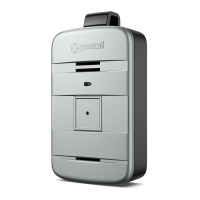
Press and hold the Power Button until you hear a tone and voice prompt of
“Powering o.” The Service Indicator and Battery Indicator will turn solid red for a
few seconds indicating that the device is turning off.
Your Lively Mobile Plus is completely off when both of these indicators turn off.
i
INFO
We recommend keeping your Lively Mobile Plus powered on at all times, as well
as charging it every night, so you can always have immediate access to help in an
uncertain or unsafe situation.


 To Next Page