30
Search bank: SR4 Aircraft
Receive mode: AM
Note: All scanners tune by steps. Your scanner uses steps consistent with the
latest US or worldwide standards. If you enter a non-valid step frequency, any
scanner will tune to the next step. Some scanner designs do this without show-
ing the correct step in the display. This scanner will show the actual tuned
frequency in the display. Because steps are so close together, the audio qual-
ity will not be affected by the offset.
Search bank: SR5 Amateur band
Receive mode: FM, AM, CT, or DC
Search bank: SR6 Railroad
Receive mode: FM, CT, or DC
Search bank: SR7 Programmable limit search
Receive mode: FM, AM, CT, or DC
Note: If you change the receive mode using MODE key, the scanner shows the
receive mode for small caps (ex. fm, am, ct, or dc). If you want to change the
default setting, press FUNC then press MODE.
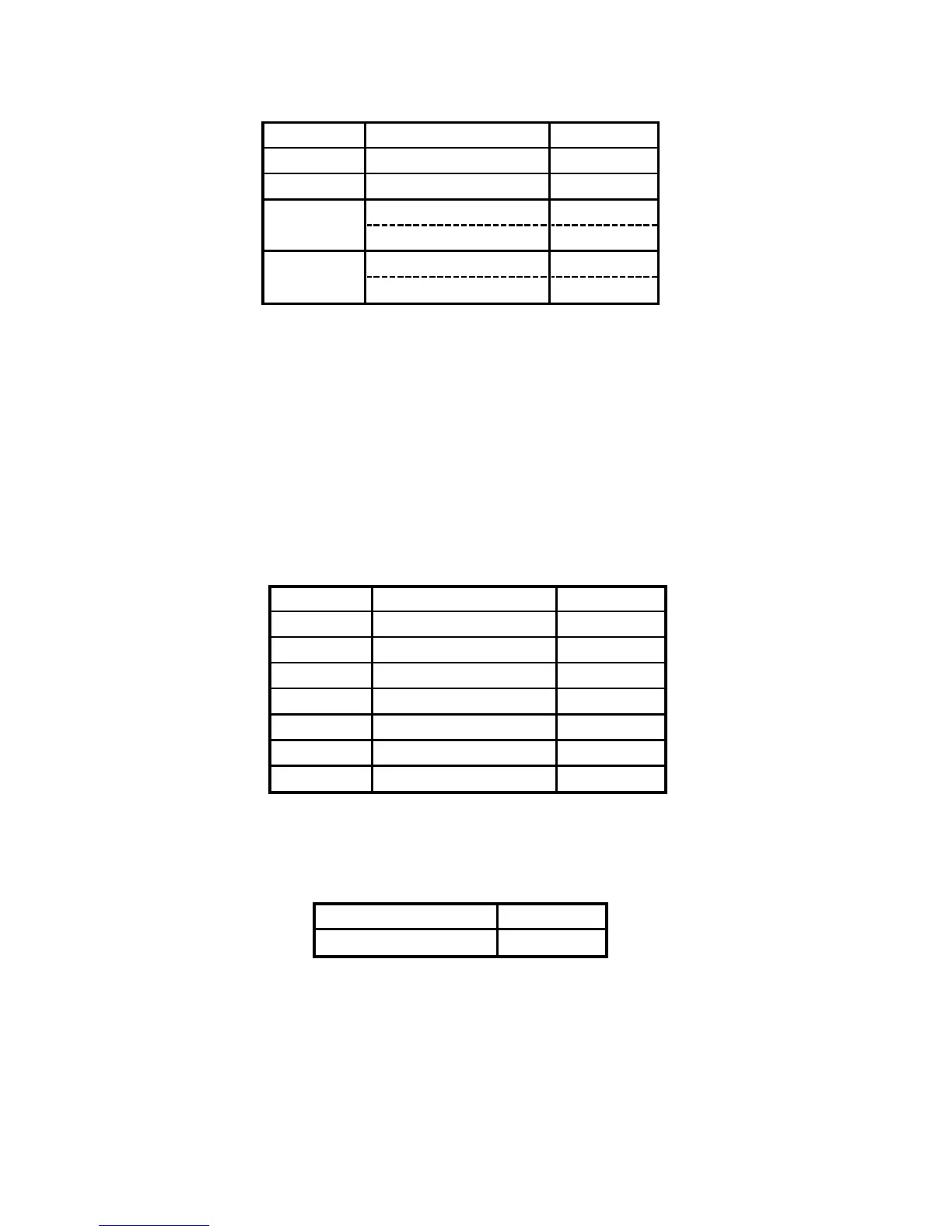
Group Frequency (MHz) Step (kHz)
0 108.000-117.99166 8.33
1 118.000-136.99166 8.33
2 138.000-143.9875 12.5
148.000-150.7875 12.5
3 225.000-379.975 25
380.000-400.000 12.5
Frequency (MHz) Step (kHz)
159.810-161.5650 75
Group Frequency (MHz) Step (kHz)
0 28.0000-29.7000 5
1 50.0000-54.0000 5
2 144.0000-148.0000 5
3 222.0000-224.9950 5
4 420.0000-450.0000 5
5 902.000-927.9875 12.5
6 1240.0000-1300.000


 To Next Page