Greenlee 4455 Boeing Dr. • Rockford, IL 61109-2988 USA • 815-397-7070
9
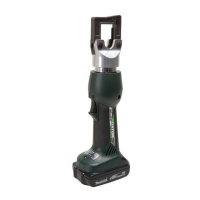
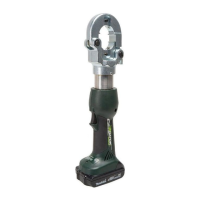
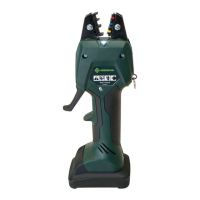
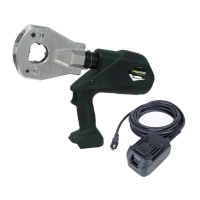
EK6FTLX and EK6FTILX Battery-powered Crimping Tools
LCD Screen
This tool has an LCD screen, which displays informa-
tion about the tool. Turn on the screen by inserting the
battery and jogging the tool. If there are any problems
with the tool, an error code appears.
Error Code Meaning
1 Overcurrent fuse
2 Overcurrent comparator
3 Overheated circuit board
4 Overheated battery
5 Battery empty; operation stops
6 Faulty crimp; complete cycle
7 Faulty crimp; incomplete cycle
8 Low battery
9 Battery empty; tool won’t run
10 Real-time clock battery low
11 Tool deactivated
12 Service necessary
13 Real-time clock not found
14 Bluetooth
®
unit not found
15
16 Pressure sensor not found
17 Burst pressure exceeded
18 Battery temperature too low
If there is no error code, cycle through the various
displays using the left and right buttons on either side of
the screen. There are seven displays in total.
Display Information Shown
1
Bluetooth
®
status, battery charge, current
pressure, max. pressure
2
Firmware, available rmware update,
serialnumber
3
Current user. Press and hold both buttons to
change user, select with right button, and conrm
by jogging the tool.
4
5
6 Cycles until next service
7
Since manufacturing: operating hours, capacity,
number of cycles




 To Next Page