EasyManua.ls Logo

GreenWorks 29482 - User Manual

GreenWorks 29482
24 pages
Print Icon
To Next Page IconTo Next Page
Loading...
Read all safety rules and instructions carefully before operating this tool.
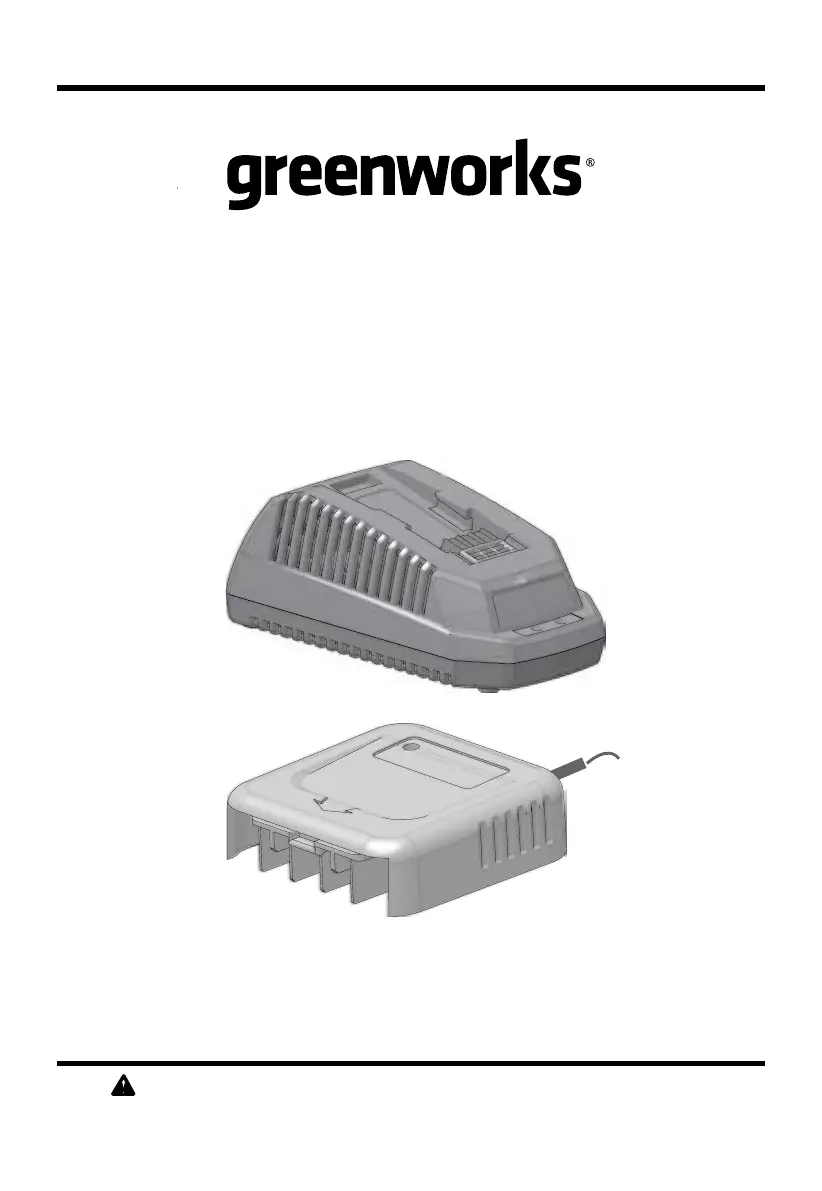
Owner’s Manual
TOLL-FREE HELPLINE: 1-888-90-WORKS
(888.909.6757)
40V
LITHIUM-ION BATTERY
CHARGER
29482/2900802
www.greenworkstools.com

Questions and Answers

  • L
    Lisa SchaeferJul 28, 2025
    What to do if GreenWorks Battery Charger shows defective mode (LED flashes Red)?
    • S
      Stanley NguyenJul 28, 2025
      If your GreenWorks Battery Charger isn't working and the LED is flashing red, it indicates a defective mode. This could be due to a faulty battery pack or charger, or a poor connection between them. Here's what you can do: 1. Remove and reinsert the battery pack into the charger to ensure a secure connection. 2. Try charging a different Greenworks battery pack to see if the issue is with the original battery. 3. Unplug the charger, wait for the red LED to turn off completely, and then plug it back into the power supply.
  • A
    alexanderjasonAug 12, 2025
    Why is my GreenWorks Battery Charger showing evaluation mode (LED indicates Red solid ON)?
    • B
      Brian LeeAug 12, 2025
      If your GreenWorks Battery Charger is in evaluation mode, indicated by a solid red LED, it means the battery pack is either too hot or too cold. To resolve this, allow the battery pack to reach a normal temperature between 3°C and 47°C (37°F-117°F). The charging process will automatically begin once the battery pack is within this temperature range.

Summary

Symbols and Their Meanings

Symbol Definitions

Explains standard symbols for voltage, current, frequency, and alerts.

Signal Word Hierarchy

Details the risk levels associated with DANGER, WARNING, and CAUTION.

Important Safety Instructions

General Safety & Hazard Reduction

Covers essential safety rules to prevent fire, electric shock, and injury.

Specific Operational Precautions

Details on ventilation, cleaning, battery handling, and electrical connections.

Know Your Charger

Component Identification

Identifies key parts of the charger, including ports and lights.

Wall Mounting Feature

Details the wall mounting holes on the charger for installation.

Operation

FCC Compliance and Warnings

States FCC compliance and warns against modifications and unapproved accessories.

Charging Procedure and Indicators

Explains charging steps, low voltage mode, and LED indicators.

Charger Mounting

Provides instructions on how to mount the charger on a wall.

Maintenance

General Maintenance Practices

Instructions for cleaning air vents and wiping the housing.

Storage Guidelines

Recommendations for storing the charger and battery when not in use.

Troubleshooting

Charger Not Working Issues

Addresses problems like defective mode and evaluation mode.

Battery Temperature Issues

Explains how to handle battery temperature issues affecting charging.

Limited Warranty

Warranty Coverage Details

Outlines the 3-year warranty period and what is covered.

Items Not Covered by Warranty

Lists conditions and parts excluded from the warranty.

Greenworks Helpline and Charges

Provides contact information for warranty service and explains transportation charges.

GreenWorks 29482 Specifications

General IconGeneral
BrandGreenWorks
Model29482
CategoryBattery Charger
LanguageEnglish

Related product manuals