----------------------':""""""---~---"-
-
~
..
~~
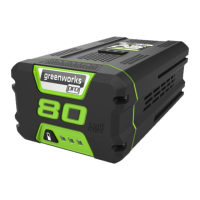
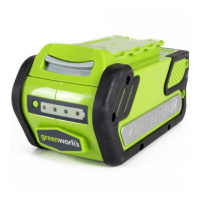
BATTERY
CHECKING BATTERY CAPACITY
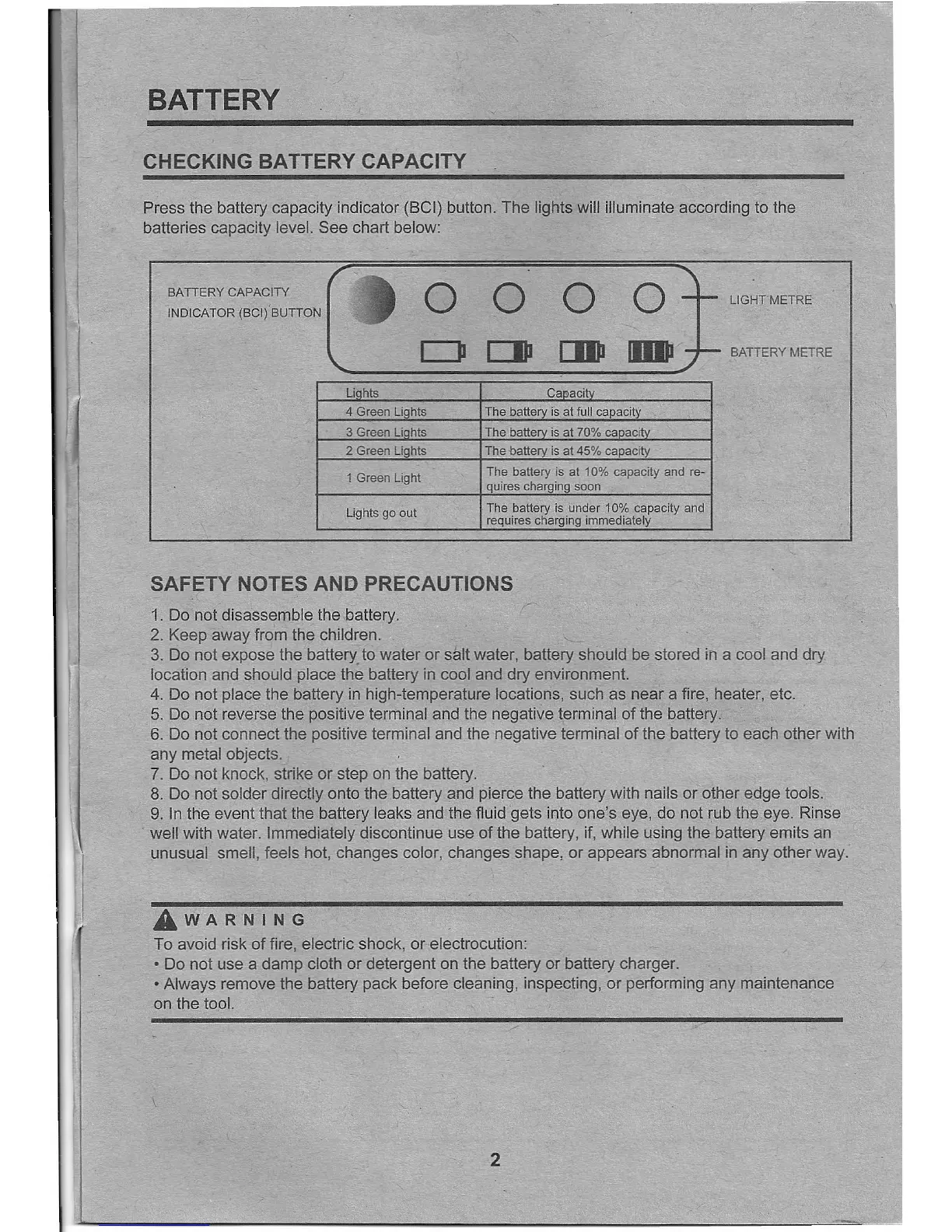
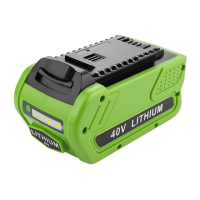
Press the battery capacity indicator (BCI) button. The lights will illuminate according to the
batteries capacity level. See chart below:
BATTERY CAPACITY ( ,
0 0 0 ~
t
lIG~T METRE
''''~'0'lOCI,'
surros
_ 0
CJII [IJII
BATTERY METRE
~====~========~
Li hts Caeacit
4 Green Lights
The battery is at full capacity
3 Green Li hts The batte is at 70% ca acit
2 Green Li hts The battery is at 45% capacity
1 Green Light
The battery is at 10% capacity and re-
quires charging soon
The battery is under 10% capacity and
requires charging immediately
Lights go out
SAFETY NOTES AND PRECAUTIONS
1. Do not disassemble the battery.
2. Keep away from the children.
3. Do not expose the batteryto water or salt water, battery should be stored in a cool and dry
location and should place the battery in cool and dry environment.
4. Do not place the battery in high-temperature locations, such as near a fire, heater, etc.
5. Do not reverse the positive terminal and the negative terminal of the battery. .
6. Do not connect the positive terminal and the negative terminal of the battery to each other with
any metal objects.
7. Do not knock, strike or step on the battery.
8. Do not solder directly onto the battery and pierce the battery with nails or other edge tools.
9. In the event that the battery leaks and the fluid gets into one's eye, do not rub the eye. Rinse
well with water. Immediately discontinue use of the battery, if, while using the battery emits an
unusual smell, feels hot, changes color, changes shape, or appears abnormal in any other way.
£WARNING
To avoid risk of fire, electric shock, or electrocution:
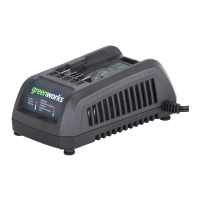
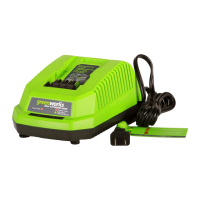
• Do not use a damp cloth or detergent on the battery or battery charger.
• Always remove the battery pack before cleaning, inspecting, or performing any maintenance
on the tool.
\
2



 To Next Page