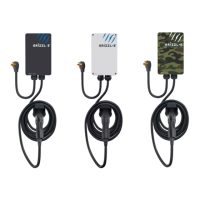
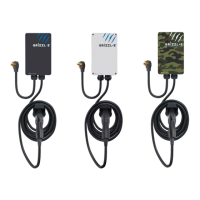
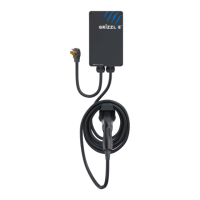
7
INSTRUCTIONS Manual
United Chargers GRIZZL-E™ Duo Electric Vehicle Charging Station (EVSE)
Table of Contents
1. Introduction & Unpacking ............................................................................... 8
2. Installation Planning and Service Wiring: ...................................................... 9
2.1 Electrical Source Requirements ................................................................. 9
2.2 Grounding Instructions ............................................................................... 9
3 Adjustable Maximum Current ......................................................................... 10
3.1 Adjust Maximum Current Output ............................................................. 10
4. Installation ....................................................................................................... 13
4.1 Tools & Parts Required for Installation ................................................... 13
4.2 Install the Charging Station ...................................................................... 14
5. Input Wiring Connection (Optional Hardwire Connection) ........................ 17
6. EasyEvPlug Holster and Cable Management System ................................... 19
7. Charging Status Indicators and Buzzers ....................................................... 20
7.1 Indicator Lights ........................................................................................... 20
7.2 Grizzl-E Duo Alternating Indicator Light .................................................. 20
7.3 LED Fault Indicator ..................................................................................... 21
7.4 Reset Board ................................................................................................. 21
8. Operation ......................................................................................................... 22
8.1 Connect and Charge .................................................................................. 22
8.2 Stop Charging ............................................................................................. 22
9. General Product Care and Use Information ................................................ 23
10. Warranty ........................................................................................................ 24


 To Next Page