EasyManua.ls Logo

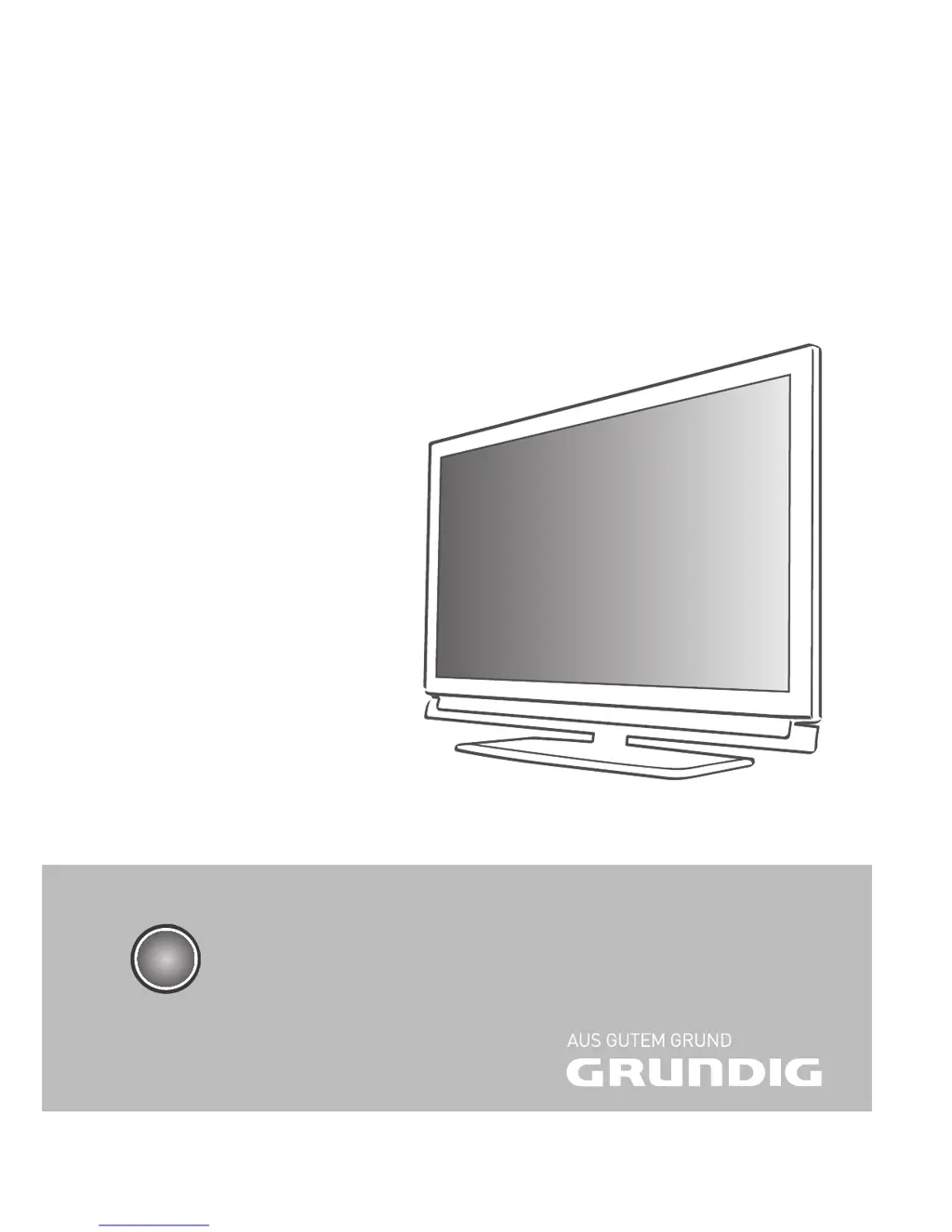
Grundig 22 VLE 8320 BG - User Manual

Grundig 22 VLE 8320 BG
59 pages
Print Icon
To Next Page IconTo Next Page
Loading...
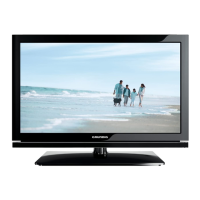
LCD TV with LED Backlight
22 VLE 8320 BG
EN

Table of Contents

Questions and Answers

  • W
    wgardnerAug 15, 2025
    Why is my Grundig LCD TV remote control not working?
    • S
      Steven HernandezAug 15, 2025
      If your Grundig LCD TV remote control isn't working, there might be several reasons. First, ensure there's nothing blocking the path between the remote and the TV; point the remote directly at the television. Next, check the batteries and replace them if needed. Finally, try switching off the television at the mains switch for two minutes.
  • K
    kimberly39Aug 18, 2025
    What to do if my Grundig LCD TV has picture but no sound?
    • M
      Monique WilliamsAug 18, 2025
      If your Grundig LCD TV shows a picture but has no sound, the volume might be set too low. Try turning up the volume or ensuring that the volume isn't switched off.
  • J
    Jennifer CowanAug 21, 2025
    How to fix a Grundig LCD TV with a snowy screen but no channels?
    • B
      Beth PotterAug 22, 2025
      If your Grundig LCD TV screen is showing static ('snow') but no channels are visible, it could be due to a couple of things. First, check if the antenna cable is properly connected. If it is, then try starting a channel scan to tune into available channels.
  • X
    Xavier SanchezAug 25, 2025
    Why does my Grundig LCD TV have no color?
    • K
      Kim BurnsAug 25, 2025
      If your Grundig LCD TV has no color, there are a few possible causes. First, the color intensity might be set too low; try turning up the color. Also, if available, make sure you've selected the correct color standard in the TV settings. Finally, the issue might be with the broadcast itself, so try changing to a different channel.
  • J
    Jamie TannerAug 28, 2025
    How to improve contrast on a Grundig LCD TV?
    • A
      Andrew ArcherAug 28, 2025
      If the picture on your Grundig LCD TV lacks sufficient contrast, the picture settings may not be optimal. Try adjusting the brightness, contrast, or color settings. It's also possible that the broadcast itself is the issue, so try switching to another channel to see if the problem persists.
  • B
    Barry NelsonSep 1, 2025
    Why is Teletext not working on my Grundig LCD TV?
    • Z
      Zachary SmithSep 1, 2025
      If Teletext is impaired or absent on your Grundig LCD TV, the problem could be with the broadcast signal. Try switching to a different channel. It could also be related to the television channel (if it doesn't offer Teletext) or your antenna system; try fine-tuning or using a different channel. Finally, a weak station signal could be the cause, so check your antenna.
  • J
    john79Sep 3, 2025
    What causes picture and sound distortion on a Grundig LCD TV?
    • N
      nheathSep 4, 2025
      If you're experiencing picture and/or sound distortion on your Grundig LCD TV, it might be due to interference from other devices. Try placing the TV in a different position to minimize potential interference.
  • L
    Leah WellsSep 7, 2025
    How to fix ghosting or reflection on Grundig LCD TV?
    • V
      vchanSep 7, 2025
      If you're seeing ghosting or reflections on your Grundig LCD TV screen, it could be related to the channel setting. Try automatic or manual tuning/fine tuning. The issue might also stem from your antenna; have the antenna cable or system checked.
  • E
    evannormanSep 12, 2025
    Why is the picture too dark on my Grundig LCD TV in PC mode?
    • W
      wendy65Sep 12, 2025
      If the picture appears too dark on your Grundig LCD TV when in PC mode, it's likely due to incorrect settings for picture resolution and picture frequency on your PC. Try changing the settings on your PC, for example, to a resolution of 1280 x 768 with a refresh rate of 60 Hz.

Grundig 22 VLE 8320 BG Specifications

General IconGeneral
BrandGrundig
Model22 VLE 8320 BG
CategoryLCD TV
LanguageEnglish

Related product manuals