32
Sleep timer
Setting the sleep timer
1 Switch on the hi-fi system by pressing »ON/OFF« and select
the input source you require.
2 Call up the function with »SLEEP«.
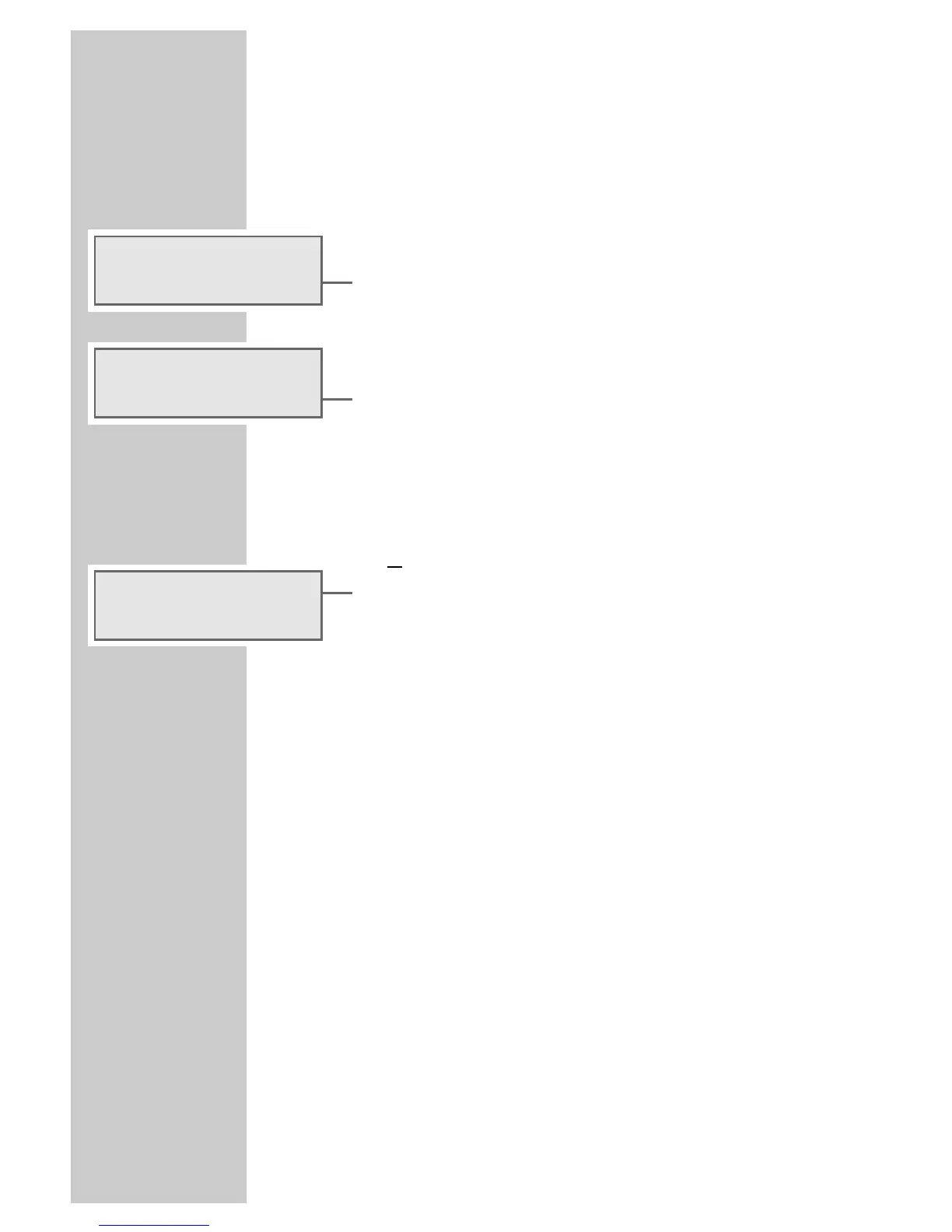
– Display: »SLEEP DELAY 15 MIN«.
3 Set the switch-off time (15, 30, 45, 60, 90 or 120 minutes) by
pressing »SLEEP«.
– Display: briefly for example, »SLEEP DELAY 30 MIN«,
followed by the input source with the switch-off time, such as
»SLEEP 28«.
– The hi-fi system switches off after the selected time has
elapsed.
Ending the sleep timer prematurely
1 To deactivate the sleep timer, press »ON/OFF« to switch off
the hi-fi system
or
keep pressing »SLEEP« until »SLEEP DELAY OFF« appears
in the display.
– The hi-fi system remains switched on.
TIMER MODE ________________________________________
SLEEP DELAY
15 min
SLEEP DELAY
OFF
FM2 P2 SLEEP 28
100.60 23:20





 To Next Page