22
ENGLISH
MIN
In Stand-by mode: For setting the clock
(minutes).
In Radio mode: For setting the radio sta-
tions.
In USB/SD mode: Select files or tracks.
Select the alarm signal (signal or radio
station).
In USB/SD mode: Starts and pauses
playback.
A
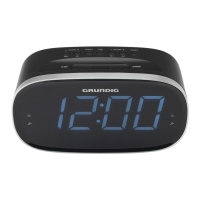
Display
Displays information about the current
time, the frequency and the alarm time.
O
Rotating swivel, for setting the alarm
time.
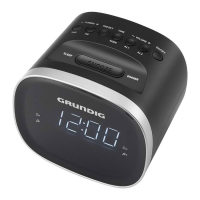
OVERVIEW (SC 230 USB)
_______________________




 To Next Page