ENGLISH
23
Setting alarm time and type
You can enter two different alarm times and select between two different
alarm types.
Setting the alarm time
1 Enter the first alarm time by pressing and holding down the
»ALARM 1« button.
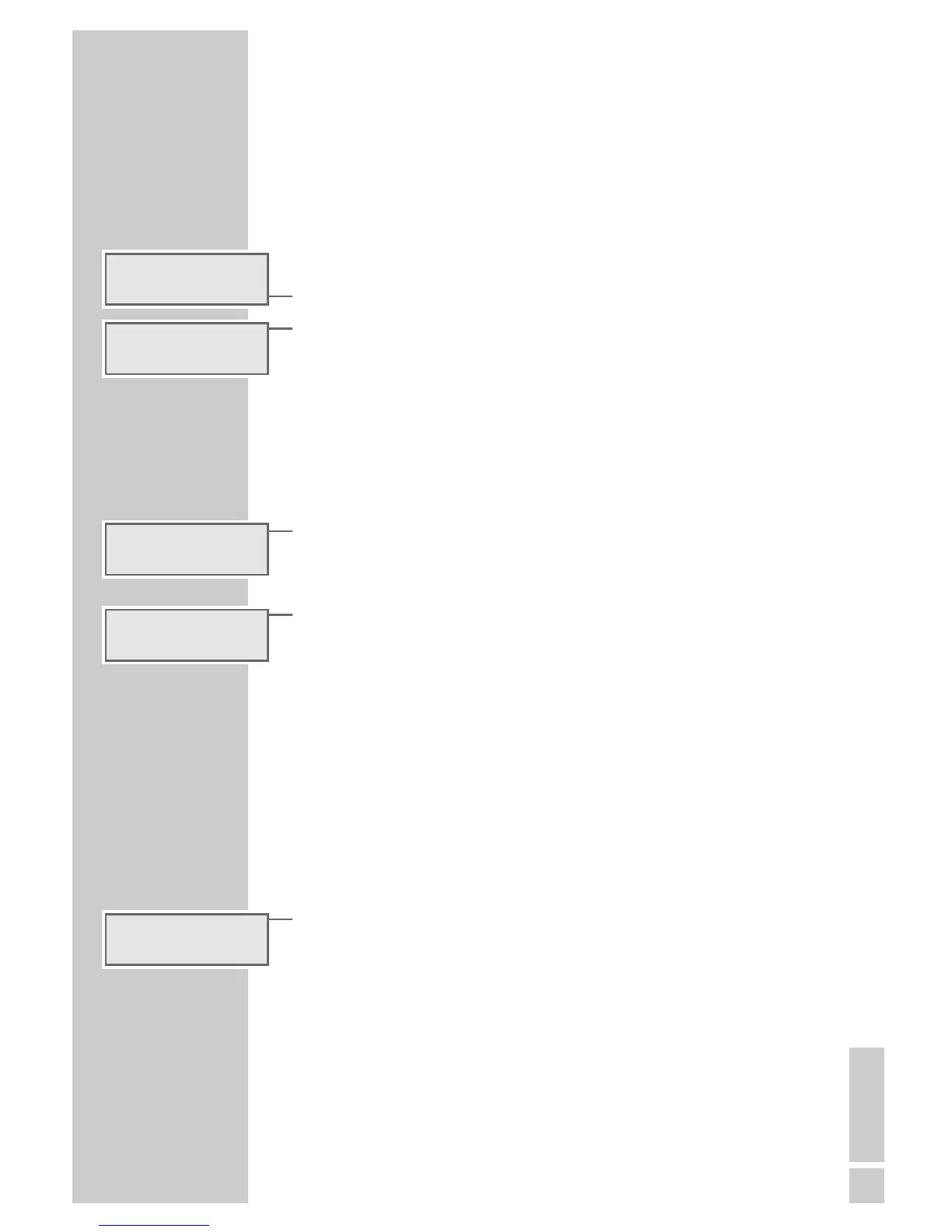
– Display: the set alarm time and »A 1«.
2 Set the desired alarm time with »+ «or»–« (TUNING).
3 Release »ALARM 1«.
Note:
Repeat procedure for the second alarm time with »ALARM 2«.
Alarm with radio station
1 Switch on device with »ON/OFF«.
2 Select channel position with the »1 ... 10 « buttons, adjust volume to
the desired level with »VOLUME«.
3 Switch off device with »ON/OFF«.
4 Activate the first alarm time by pressing »ALARM 1« until »
¤ 1«
appears in the display.
– The device switches to alarm time 1 and switches off again after
90 minutes.
– While the alarm sounds, »¤ 1« flashes in the display.
Note:
Repeat procedure for the second alarm time with »ALARM 2«.
Alarm with signal tone
Your device is equipped with a dynamic signal tone; this means the volume
of the signal tone becomes increasingly louder as it sounds.
1 Switch off device with »ON/OFF«.
2 Activate first alarm time by pressing »ALARM 1« until »e1« appears
in the display.
– The device switches to alarm time 1; the signal tone becomes increa-
singly loud. The signal tone is switched off after a maximum of
90 minutes.
– While the alarm sounds, »e1« flashes in the display.
Note:
Repeat procedure for the second alarm time with »ALARM 2«.
The signal tones for alarm time 1 and alarm time 2 are different.
ALARM MODE
______________________________________
6: 00 a i
´
6: 30 a i
´
6: 30 a i
¤ 1
´
f
BAYER N 3
FM
´
6: 30 a i
ee
1
´







 To Next Page