ENGLISH
25
Sleep timer (falling asleep to music)
1 Activate the function by pressing »SLEEP«.
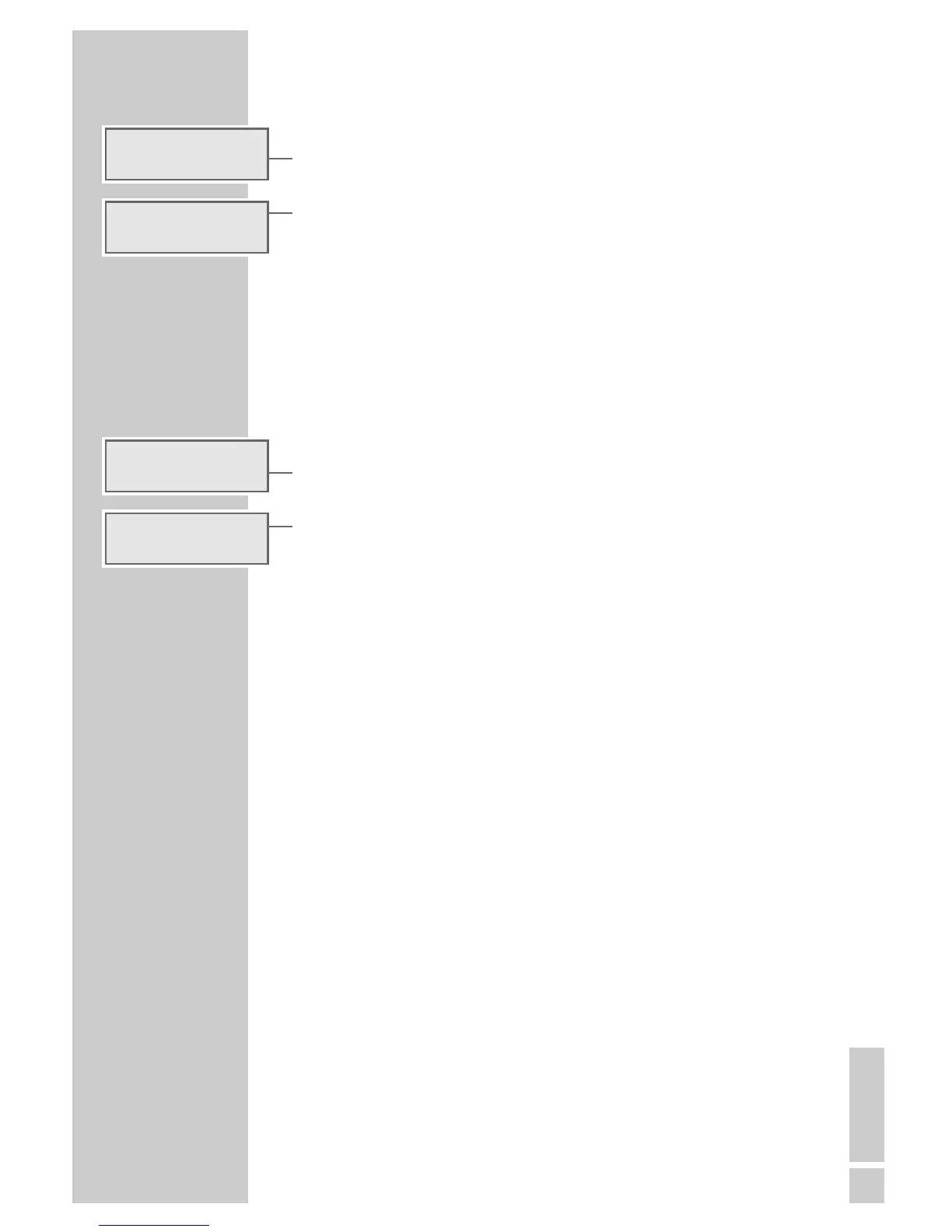
– Display: »SLEEP 90« (maximum set time) and the symbol »² «.
2 Enter the switch-off time (in 10 minute intervals from 90 to 10 minutes)
with »SLEEP«.
– After the set time has elapsed, the device shuts off.
Note:
The sleep function can be prematurely interrupted by pressing
»SNOOZE«.
Reminder timer
You can program your device so that it reminds you with a signal tone.
1 Activate the function by pressing »NAP«.
– Display: »NAP 10« (minimum set time).
2 Enter the reminder time (in 10 minute intervals from 10 to 120 minutes)
with »NAP«.
– The green indicator in the »SNOOZE« key illuminates.
– After the set time has expired, a signal tone sounds (for max.
90 minutes).
Note:
The remaining time can be called up with »NAP«.
The function can be prematurely interrupted by pressing »SNOOZE«.
3 Switch off signal tone with »ON/OFF«.
TIMER MODE
________________________________________
f
sleep 90
²
FM
f
sleep 3 0
²
FM
nap i0
nap 60




 To Next Page