10
You will need to set the time for rst-time use or after replacing the
batteries.
SETTING THE THERMOMETER
Step 1
Press the to turn on the thermometer rst. Press for 5
seconds to enter the setting mode.
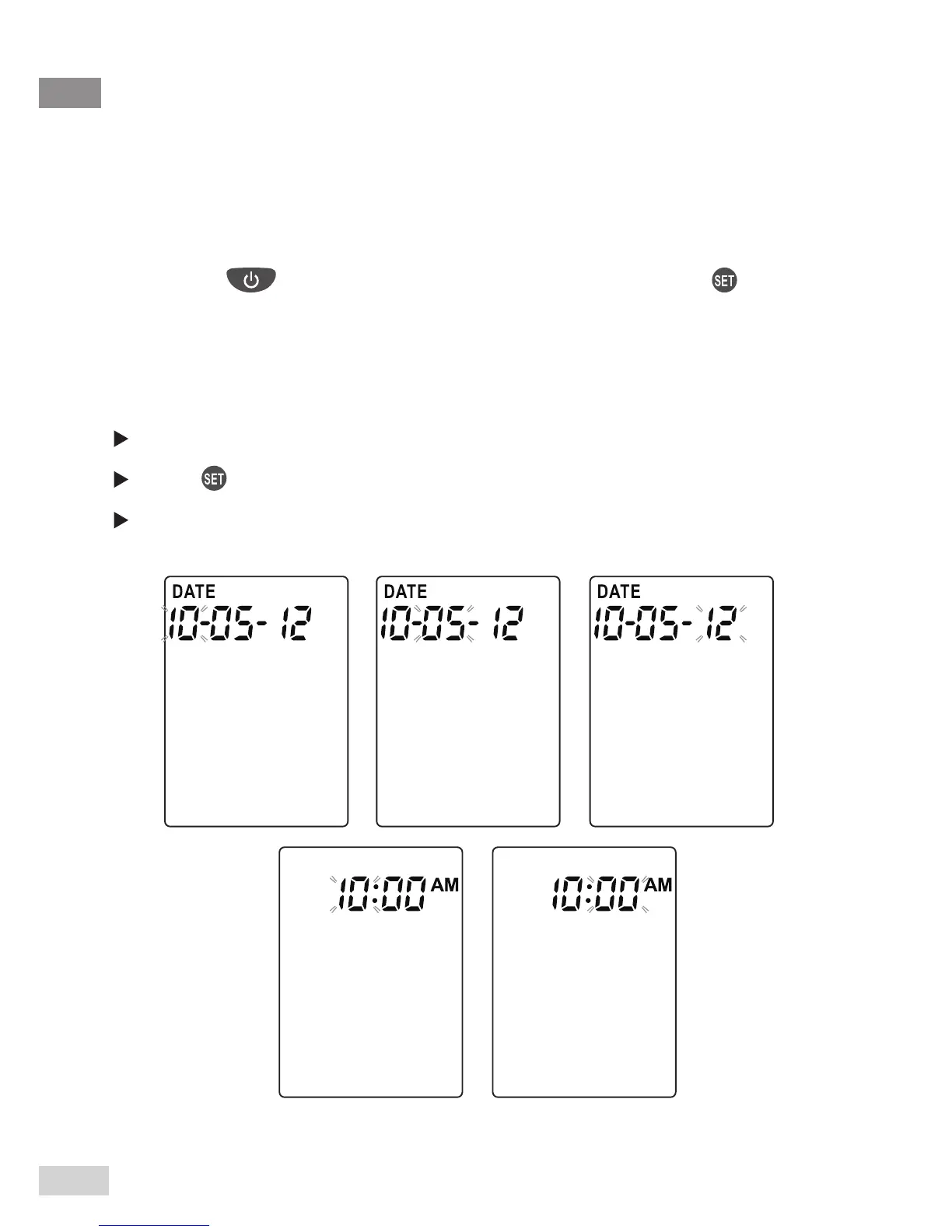
Step 2 Set the date and time
Press the Mode or °C / °F button to select the correct month.
Press to move onto the next step.
Press the Mode or °C / °F button to select the correct month / day
/ year / hour / minute.
The Settings are all completed. The thermometer will automatically
turn off.



 To Next Page