18
RECALLING THE MEMORY
Your thermometer stores the 30 most recent readings
Step 1
Ensure the thermometer is OFF before recalling the memory.
Step 2
Press to turn on the thermometer.
Step 3
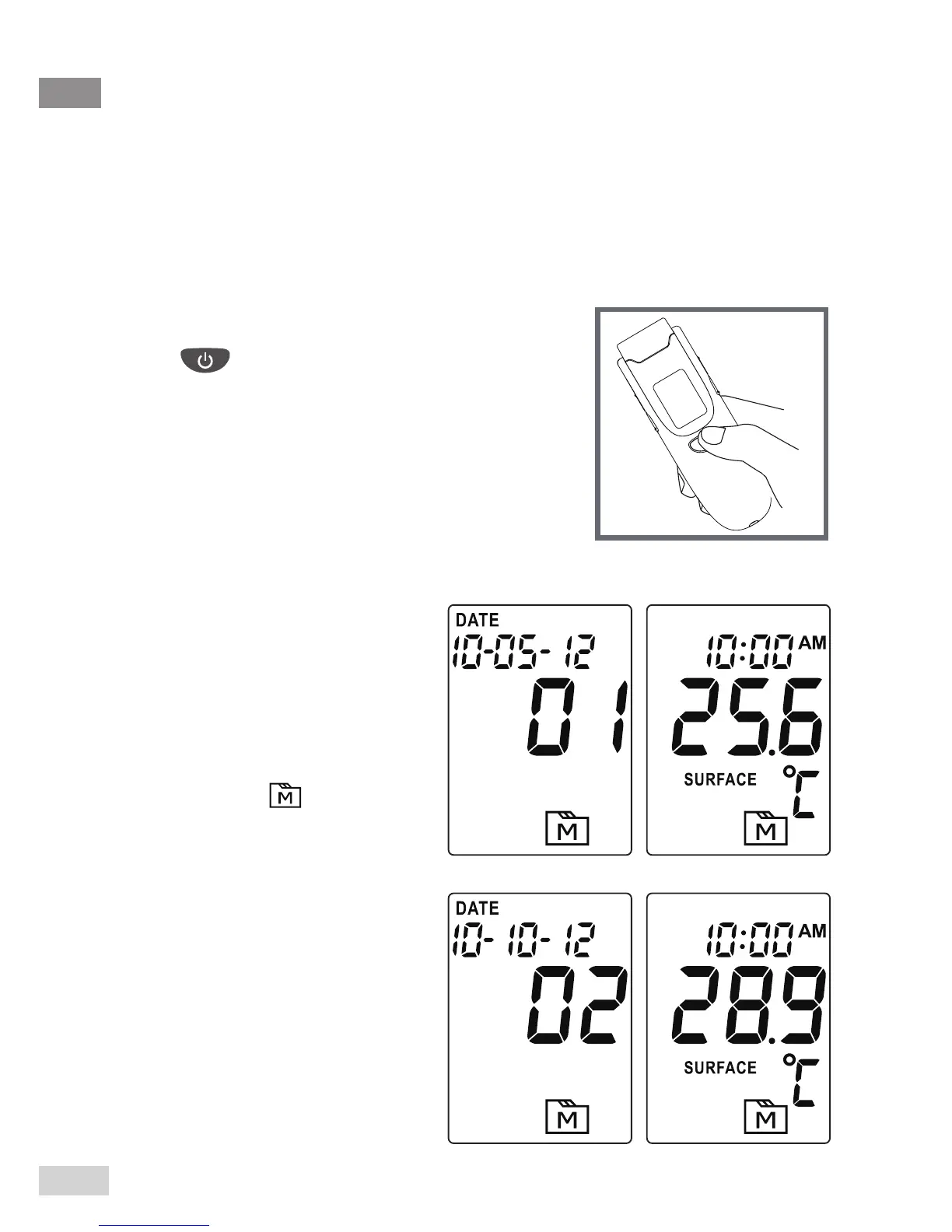
Press the MEM button to enter
the memory mode.
Each time you press the
MEM button, a result will be
displayed in the order of dates
(latest result shown rst),
together with “ ” and
number ( from 1 to 30 ).
When the memory is full, the
oldest result is deleted as the
new one is added. When the
last record is displayed, press
the MEM button again to return
the rst record.



 To Next Page