17
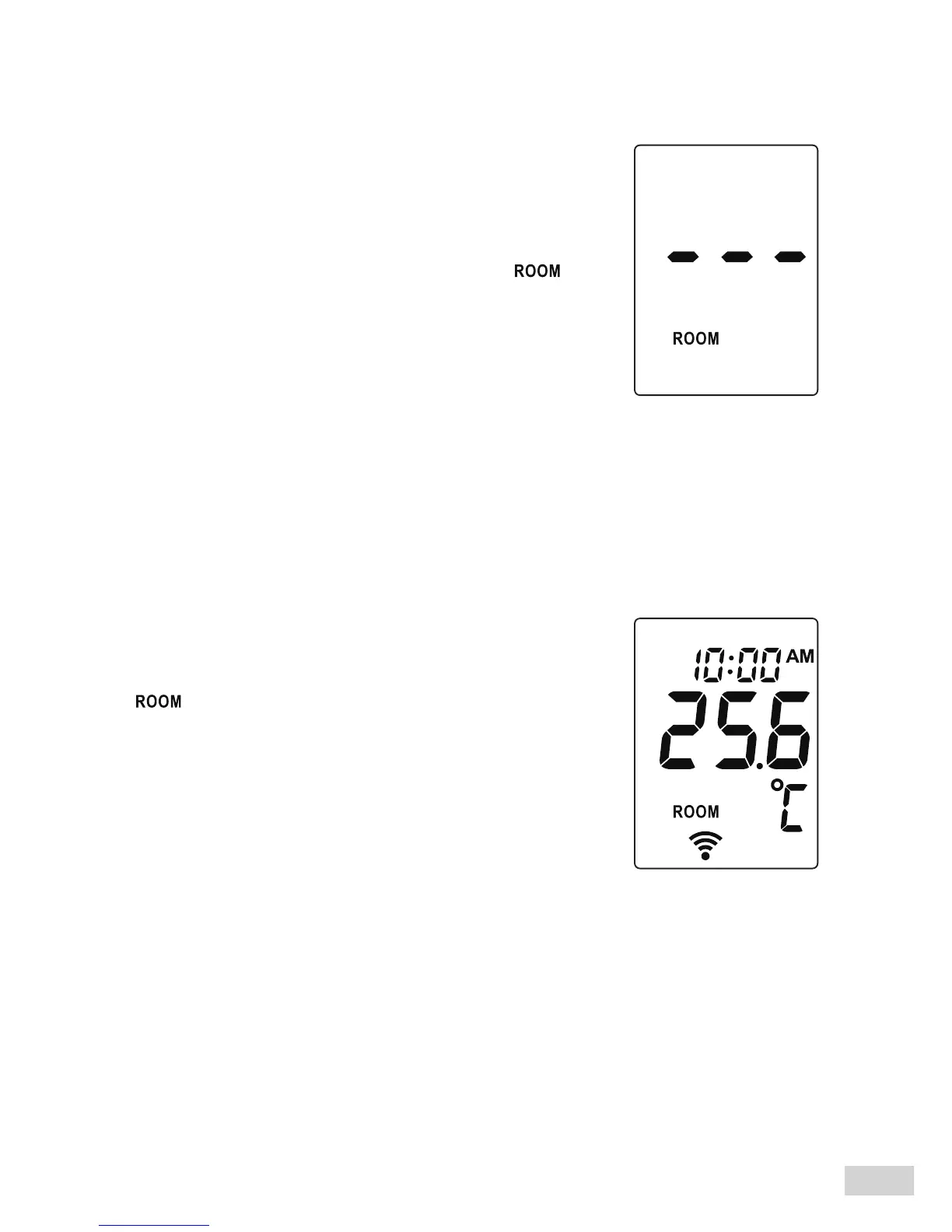
Step 2 Press the Mode button for
5 seconds to enter the display
mode to select Room mode.
The Room temperature indicator “ ”
ashes.
Step 4 Read the result.
Release the button and read the result.
“ ” is shown, together with a temperature
value and two short beeps.
Step 3 Press and hold the On/Scan button.
The built-in sensor inside the thermometer will capture the ambient
room temperature automatically.



 To Next Page