16
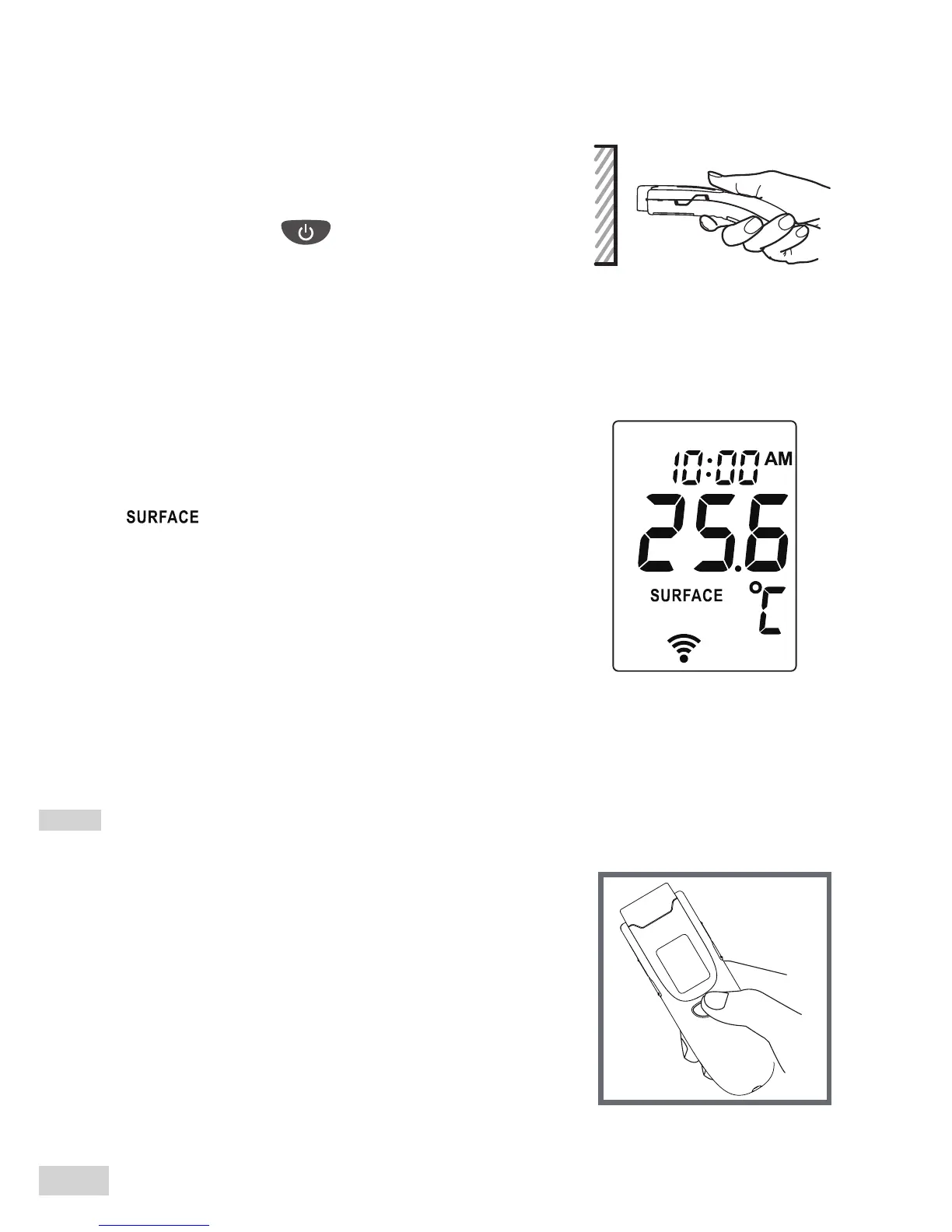
Step 4 Read the result.
Release the button and read the result.
“ ” is shown, together with a temperature
value and two short beeps.
Step 3 Move the probe close to
the object surface.
Press and hold . Make sure the probe
is at and close to the object surface, not at
an angle. Perform an object measurement
within a distance of 5 cm.
As a Room Measurement Thermometer
Step 1 Remove the protective cap
if present. Press On/Scan button
to turn on the thermometer.



 To Next Page