15
As the forehead measurement temperature is likely to be
affected by sweat, oil and the surroundings, the reading should
be taken as a reference only.
If the probe is placed at an angle close to the forehead
measurement, the reading will be affected by the surrounding
temperature.
The thermometer will automatically turn off if left idle for 30
seconds.
NOTE
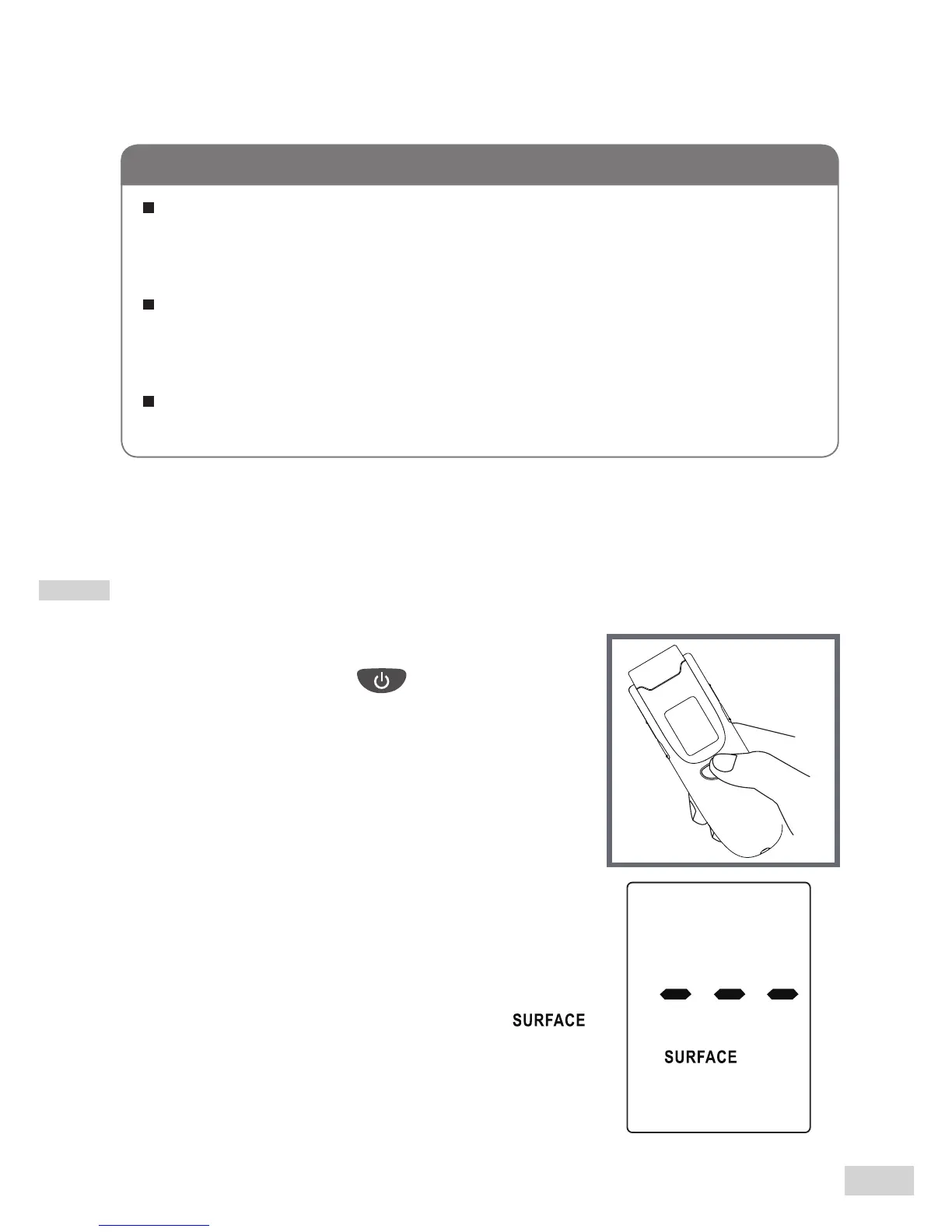
As a Surface Measurement Thermometer
Step 1 Remove the protective cap
if present. Press to turn on the
thermometer.
Step 2 Press the Mode button for
5 seconds to enter the
display mode to select Body mode.
The Surface temperature indicator “ ”
ashes.



 To Next Page