14
USING THE DEVICE
As a Body Measurement Thermometer
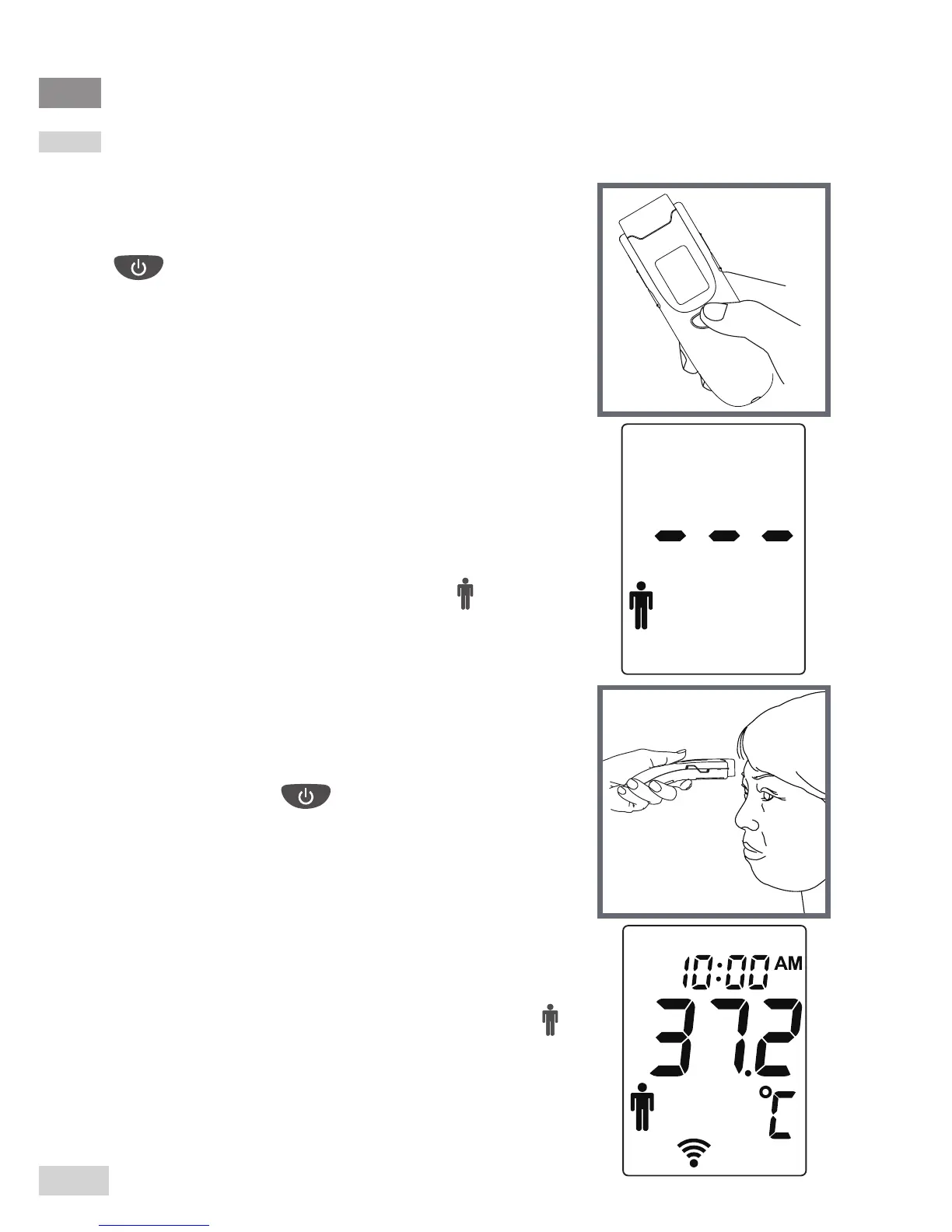
Step 1 Remove the front
protective cap if present. Press
to turn on the thermometer.
Step 2 Press the Mode
button for 5 seconds to enter the
display mode to select Body
mode.
The Body temperature indicator “ ” ashes.
Step 3 Move the probe close to
the forehead.
Press and hold . Make sure the probe
is at and close to the forehead, not at an
angle. Perform a forehead measurement
within a distance of 5 cm.
Step 4 Read the result.
Release the button and read the result. “ ”
is shown, together with a temperature value
and two short beeps.



 To Next Page