13
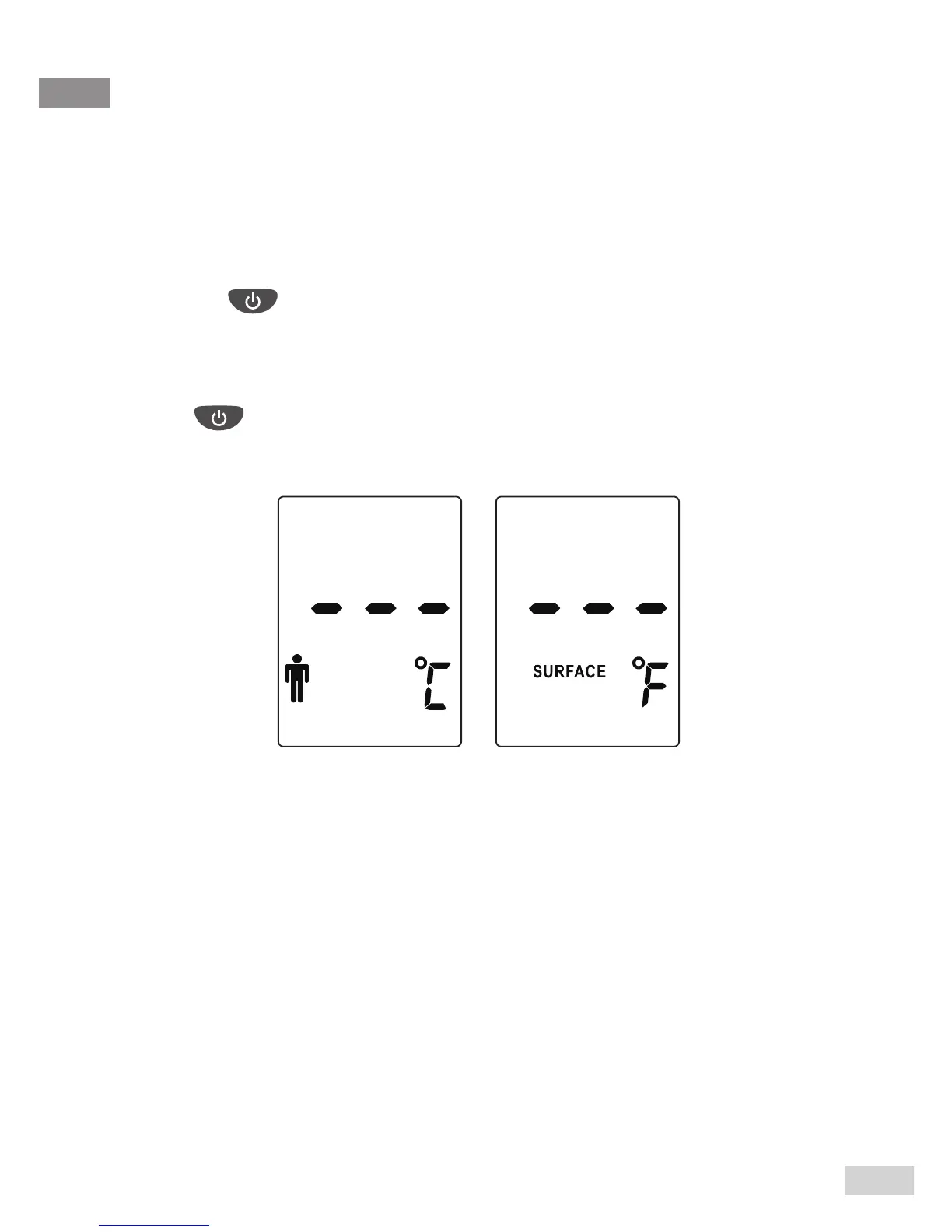
This meter provides two measurement units for indicating the body /
surface / room temperature, °C or °F.
SELECT THE TEMPERATURE UNIT
Step 1
Press the to turn on the thermometer rst.
Step 2
Press the °C / °F button to select your preferred temperature unit.
Press to begin measurement or keep the meter idle for 30
seconds so it automatically turns off.



 To Next Page