G1342│
2-4
Dictionary management:
You can choose backup or restore your
dictionary.
Help & About
Check update, see what recommended
application in the market, or about the version.
Android keyboard
• Input languages:
You can change input language.
• Auto-capitalization:
The first letter of sentences to be capitalized.
• Vibrate on keypress:
Phone vibrates when user presses any key on
the on-screen keyboard.
• Sound on keypress:
Phone sounds when user presses any key on
the on-screen keyboard.
• Popup on keypress:
Checking this option will enable the letters to
popup when the user presses them on the
keyboard.
• Show settings key:
Automatic/Always show/Always hide.
• Voice Input key:
Voice input on main keyboard, on symbols
keyboard, and off.
• Add-on dictionaries:
You can install Multilanguage dictionaries.
• Auto correction:
Spacebar and punctuation automatically
correct mistyped words.
• Show correction suggestions:
Display suggested words while typing.
• Advanced settings:
Options for expert users.
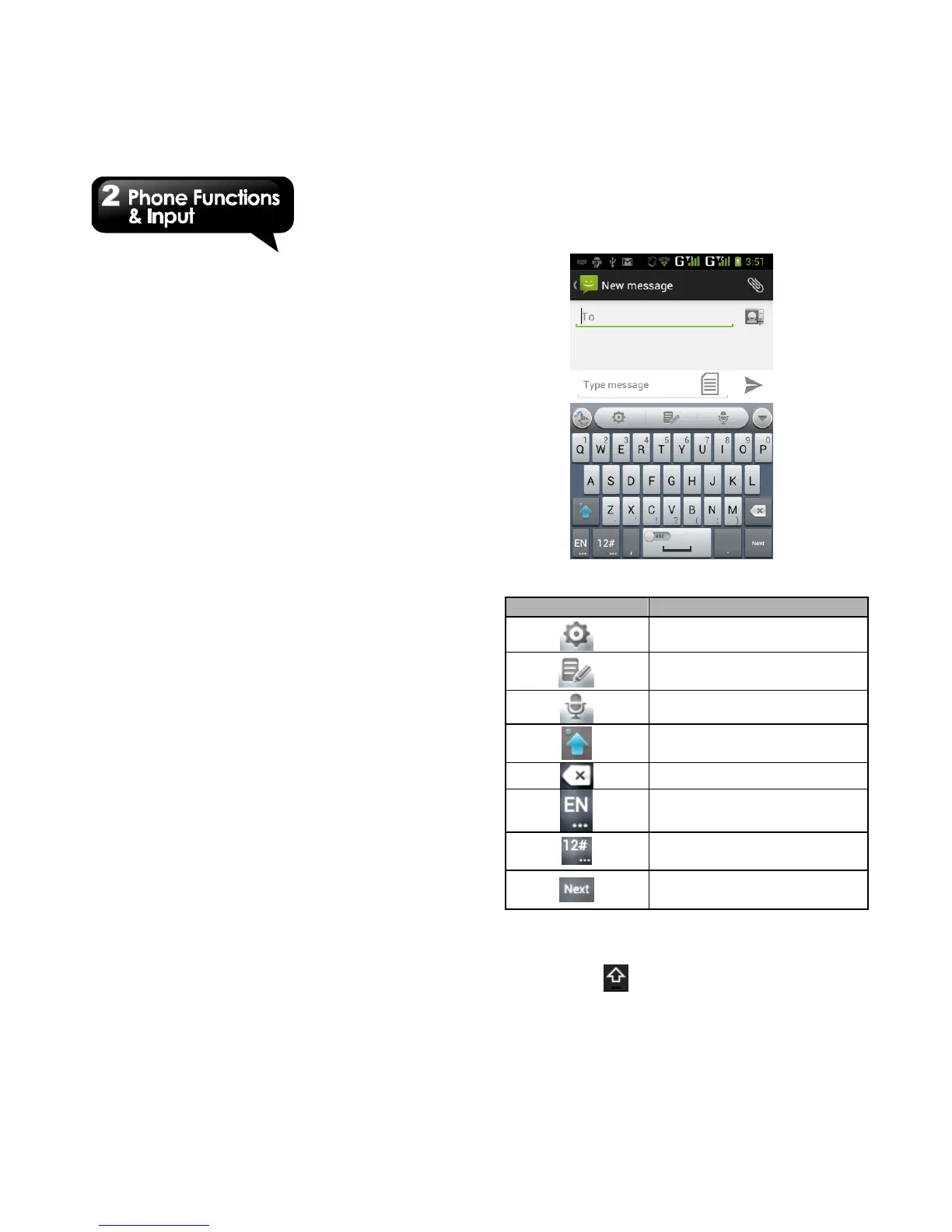
Using TouchPal Input Method
Switch different language
inputs and methods.
Tap to activate the symbols
and numerical keyboard.
Tap to move to the next text
zone.
Using Android keyboard
• To toggle between upper and lower case letter
display, tap .



 To Next Page