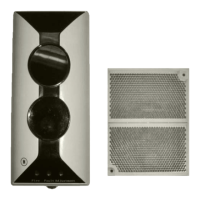
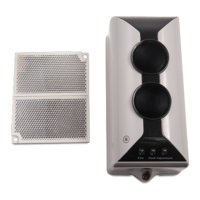
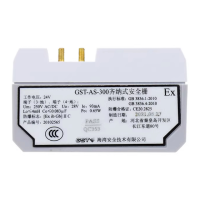
DC-9105E Conventional Reflective Beam Detector
Installation and Operation Manual
18
avoided between the detector base and the solid wall or the bracket.
8. Operation
The address, length type and sensitivity of a detector can be
programmed electronically by GST handheld programmer.
Connect the “D1,D2” terminals of the detector to the P-9910B
programmer.
1) Read Information
The information can be fast read through the programmer. Refer to
details below.
⚫ As the programmer is connected and switched on, it will
display the address when pressing “Test”.
⚫ Pressing “Up” the programmer will display the sensitivity level,
device type, and length type in sequence.
⚫ Pressing “Down”, the programmer will display
above-mentioned information in reverse.
2) Set Sensitivity Level
Four sensitivity levels (from 1 to 4) can be set through the
programmer.
⚫ Enter unlock password and press “Clear” to unlock the
programmer.
⚫ The programmer displays “-”with “Function” and “3”pressed.
⚫ Input corresponding sensitivity and press “Program”, “P” will
appear on the display as the sensitivity level is programmed
successfully. Otherwise, “E” will appear.
⚫ As the programmer displays “0” with “Clear” pressed, the
further operations can continue.
3) Set Length Type
The length type can be set for the detector through the


 To Next Page