Gtech helpline : 0870 7944001 email : support@greytechnology.co.uk
Using your trimmer
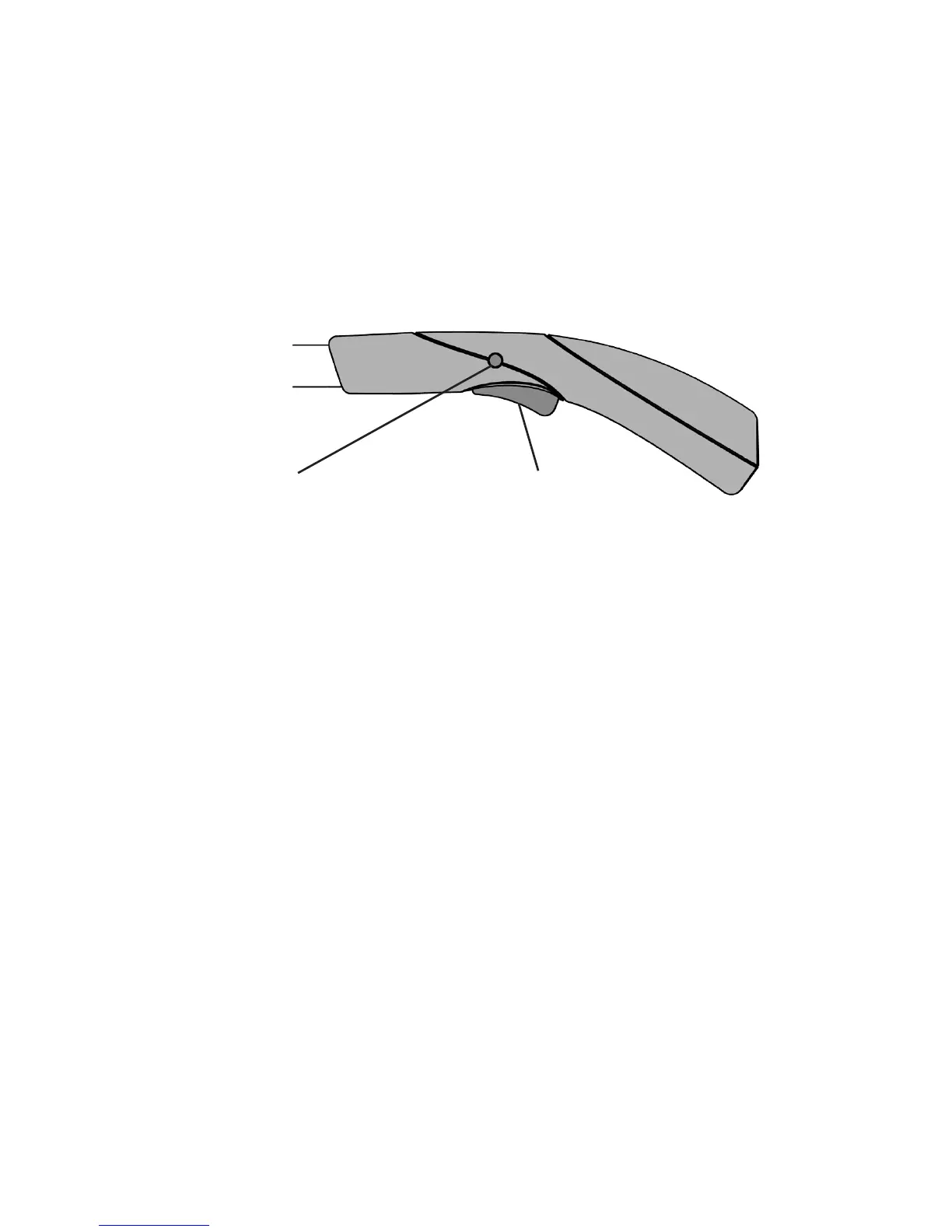
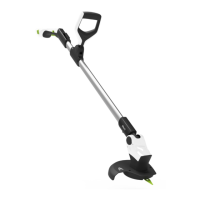
The handle is designed with a safety button to prevent accidental starting.
To start the trimmer:
Press and hold the safety button located on either side of the handle, then press
the trigger.
Continue holding the trigger and release the safety button.
The trimmer will be on for as long as the trigger is pressed.
Safety button
Trigger
To stop the trimmer:
Release the trigger to stop the trimmer.
PLEASE NOTE - When the battery is running low a cut out mechanism will stop
the product from working.
This is to protect the Li-Ion battery from running completely at, and will maintain
the battery life.
If this happens during normal operation refer to the section on battery
charging.


 To Next Page