8
Operation
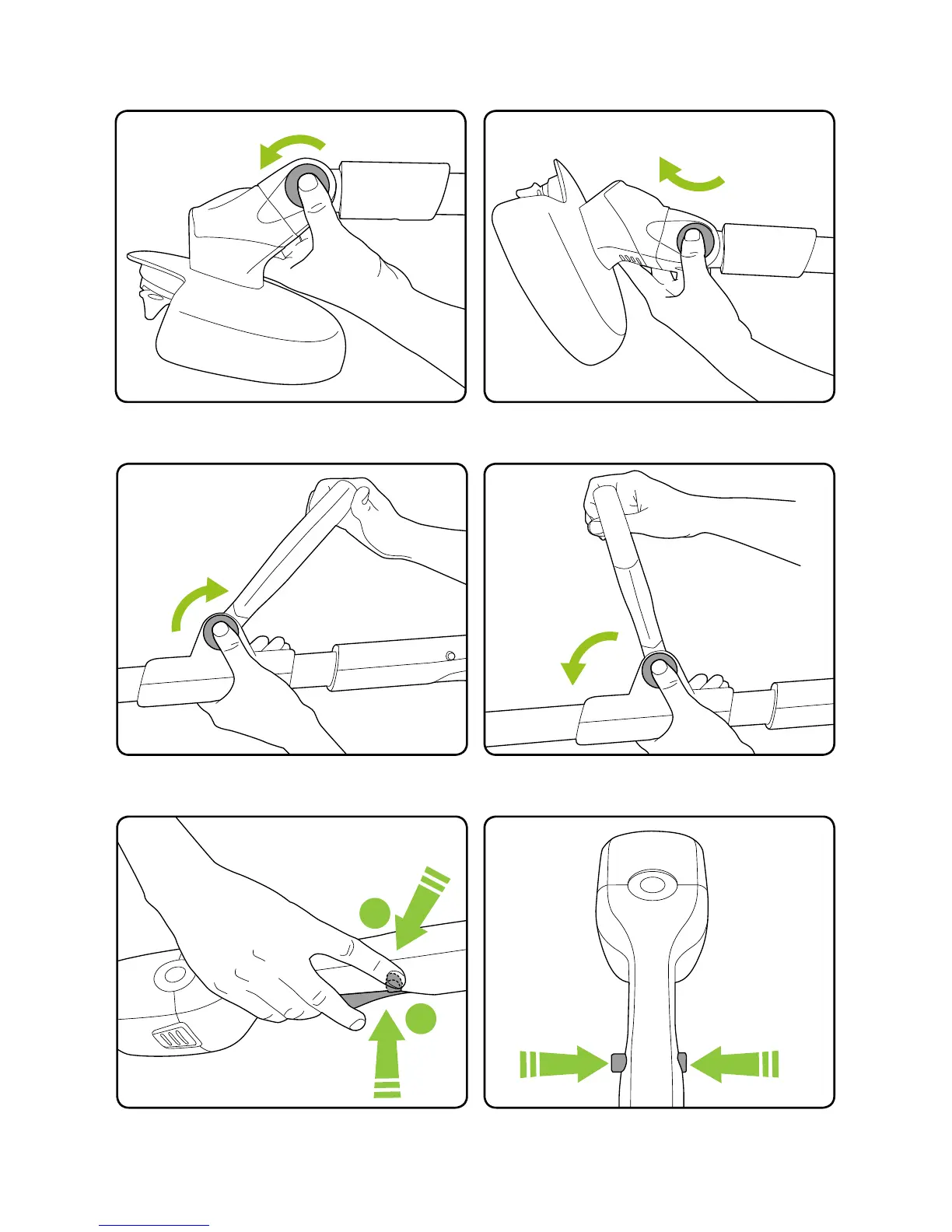
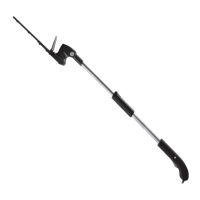
Push and hold the safety button on either
side, then press the trigger to operate.
When you release the trigger the trimmer
will stop.
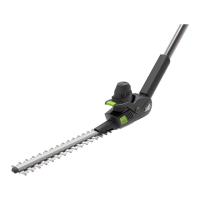
Push the button and rotate the head to the
required angle.
Release the button and ensure the head
clicks into a locked position.
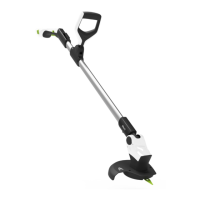
Push the button and rotate the handle to the
required angle.
Release the button and ensure the handle
clicks into a locked position.
2
1
safety button
(located both sides)
trigger
safety button
located both
sides


 To Next Page