1
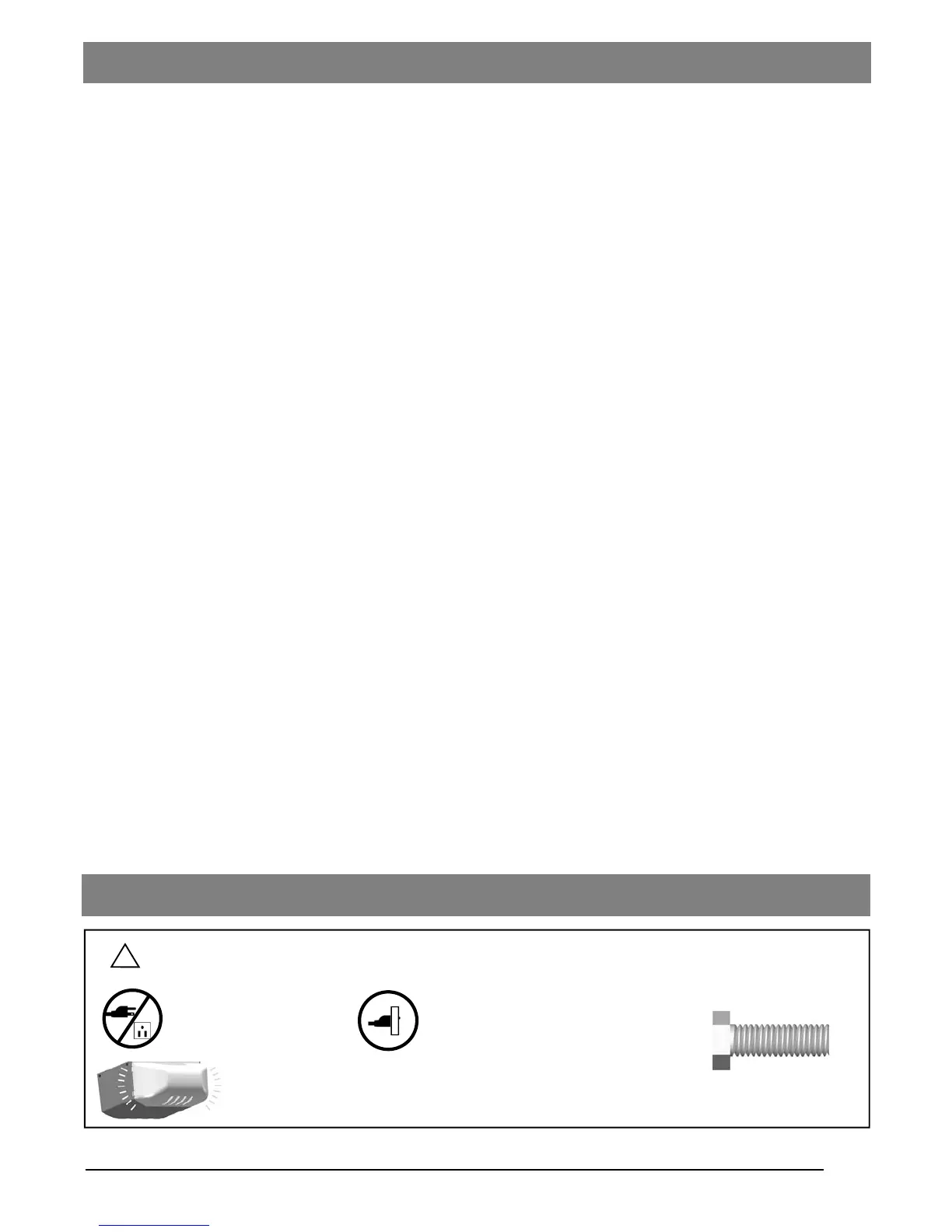
Courtesy light turns on/flashes with audible ‘click’.
(If light bulb is not installed, ‘click’ represents the light)
DO NOT connect power
Please connect power
Symbols and Icons
!
WARNING
Installation hardware
Introduction
Symbols and Icons 1
Inventory 2
Read and Follow These Important Safety Instructions 3
Preparation / Door Balance Test 4
Tools Required 4
Assembly
T-rail Assembly and Tensioning 5
Mounting Header Bracket 6
Installation
Attaching the Opener Assembly to Header Bracket 7
Mounting Door Bracket 7
Mounting Opener to Ceiling 8
Attaching Door Arms 9
Installing Light and Emergency Release Handle 10
Wiring
Wiring Instructions 11
Connecting Photo Eye Safety System 12
Connecting Push Button 13
Connecting Door Control Console (*OPTIONAL) 14
Connecting Deluxe Door Control Console (*OPTIONAL) 15
Connecting Power 16
Adjustment
Aligning the Photo Eye Safety System 16
Travel Limit Adjustment 17
Force Adjustment 18
Final Adjustment and Testing 19
Operation
Programming Remote Controls 20
Operating the Opener 21-22
Maintenance 23
Troubleshooting 23
Repair Parts and Service
Installation and Accessory Parts 24
Opener Assembly parts 25
Warranty 26
Table of Contents
READ WARNINGS CAREFULLY to prevent SERIOUS INJURY or DEATH
caused by electrocution or mechanical hazard.


 To Next Page