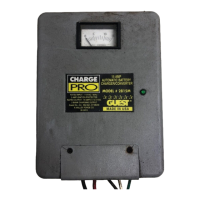
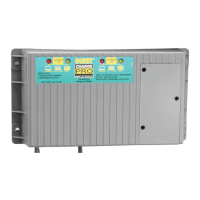
Need help?
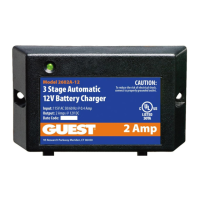
Do you have a question about the Guest 2608 and is the answer not in the manual?
Step-by-step guide for connecting the charger to your battery, including polarity and AC connection.
Safety measures for individuals when working with lead-acid batteries and chargers.
Essential precautions before connecting the charger to the battery.
Guidelines for safe grounding and AC power connection to prevent shock.
Procedure for connecting the charger's DC output to the battery terminals.
Procedure for connecting the charger's AC power cord to the outlet.
Explanation of LED lights and their meaning during the charging process.
Resolving issues with the red LED remaining on for extended periods.
 General
| Brand | Guest |
|---|---|
| Model | 2608 |
| Category | Battery Charger |
| Language | English |

 To Next Page