PLANEBOOK
TM
OWNER’S MANUAL
PlaneBook™ Owner’s Manual 24 © Gulfstream 2008
The Return to Windows selection changes Plane-
Book™ from the PlaneBook™ mode to the Windows
®
mode. See page 5 of this manual for instructions on this
topic and page 4 for instructions on returning to the
PlaneBook™ mode from the Windows
®
mode.
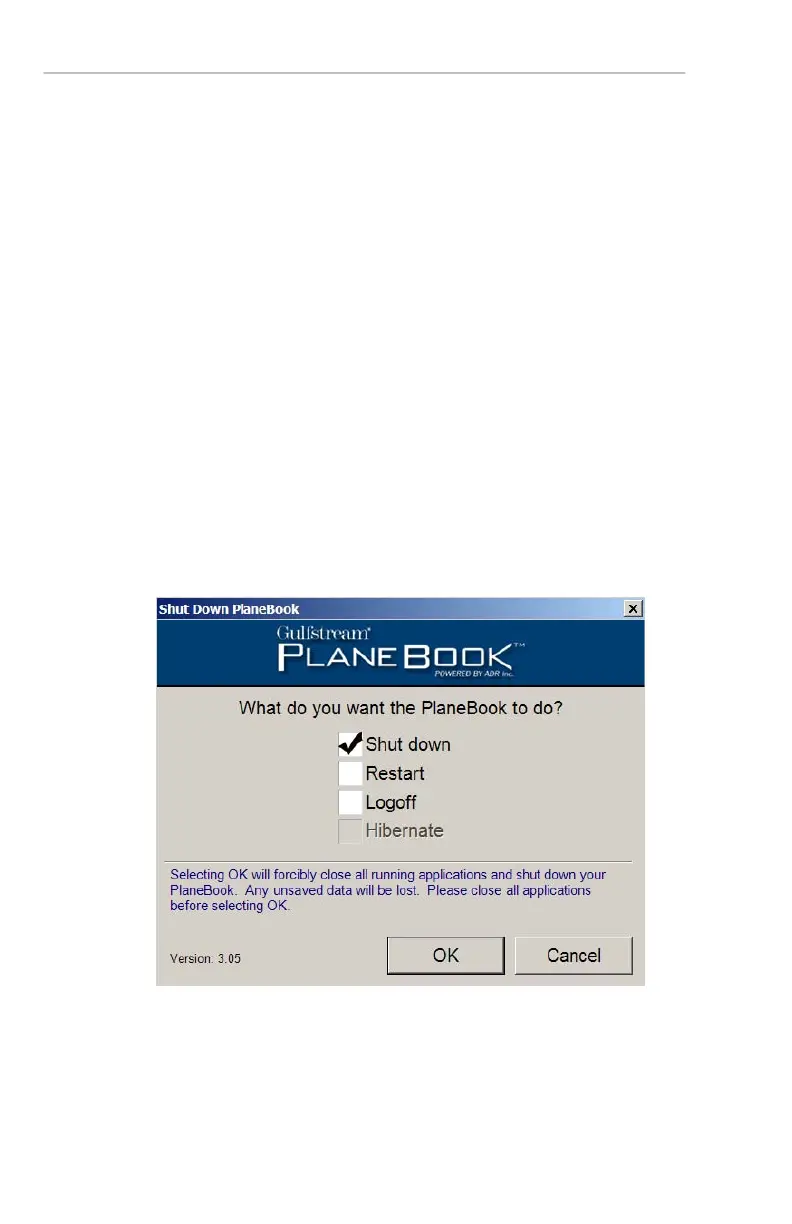
The “Shut Down” Button Functions
The Shut Down button allows you to shut down (or
restart) the tablet PC in the same three conventional
ways found in Windows
®
mode, while staying in the
PlaneBook™ mode. This gives you the convenience of
leaving the tablet PC in PlaneBook™ mode.
To use this feature, ensure all running documents and
applications are closed, select the option you desire,
and then select OK.


 To Next Page