PLANEBOOK
TM
OWNER’S MANUAL
PlaneBook™ Owner’s Manual 30 © Gulfstream 2008
PlaneBook™ Bluetooth™ Recognition of the GPS
Unit and Setup
Note: The GPS receiver/transmitter is designed in
such a manner in that if it detects that if, after ten
minutes, its output signal is not being used by either
PlaneBook™ or JeppView FliteDeck 3™, it will
automatically shut off in order to conserve battery
power. It is recommended that you periodically check
the GPS during this process to ensure it is still ON.
1. Ensure your GPS receiver/transmitter is turned
on. It does not have to be outdoors for this
procedure, because at this point we are only
allowing PlaneBook to recognize and connect to
the GPS.
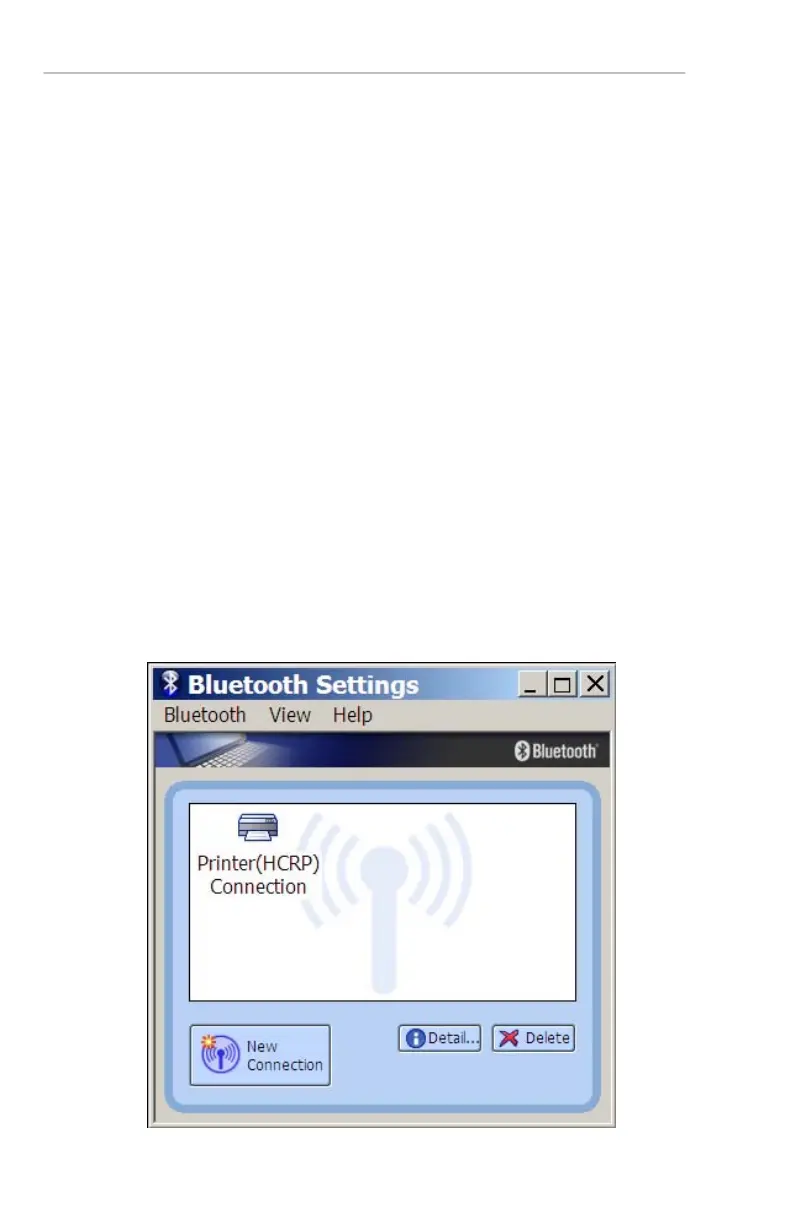
2. From the Start menu, select Programs Æ
Bluetooth Æ Bluetooth Settings to open the
Bluetooth Settings application. The Bluetooth
Settings application window appears.


 To Next Page