PLANEBOOK
TM
OWNER’S MANUAL
© Gulfstream 2008 1 PlaneBook™ Owner’s Manual
1. Getting to Know PlaneBook™
References Available
In addition to this owner’s manual, the following refer-
ences are available to assist you in getting to know
PlaneBook™. References to these guides will be given
throughout this manual:
• PlaneBook™ Quick Reference Guide
• Fujitsu’s “User’s Guide” for the Lifebook
®
P1620
Notebook
It is recommended that all of the above guides be read
and understood in order to minimize any otherwise
preventable “downtime” of PlaneBook™.
2. The Operating State of Your Tablet:
PlaneBook™ Mode versus Windows
®
Mode
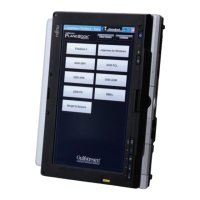
The Fujitsu FG-1620G PlaneBook™ system is capable
of operation in two different modes: Windows
®
mode
and PlaneBook™ mode.
Changing from Windows
®
mode to PlaneBook™ mode
(and vice versa) is described on page 4 of this guide.
Windows
®
Mode
When in Windows
®
mode, the FG-1620G functions as a
laptop PC, using Microsoft Windows
®
XP Tablet PC
Edition as its base operating system. Functions and
features in this mode are compatible with what is
expected of an ordinary compact tablet PC.


 To Next Page