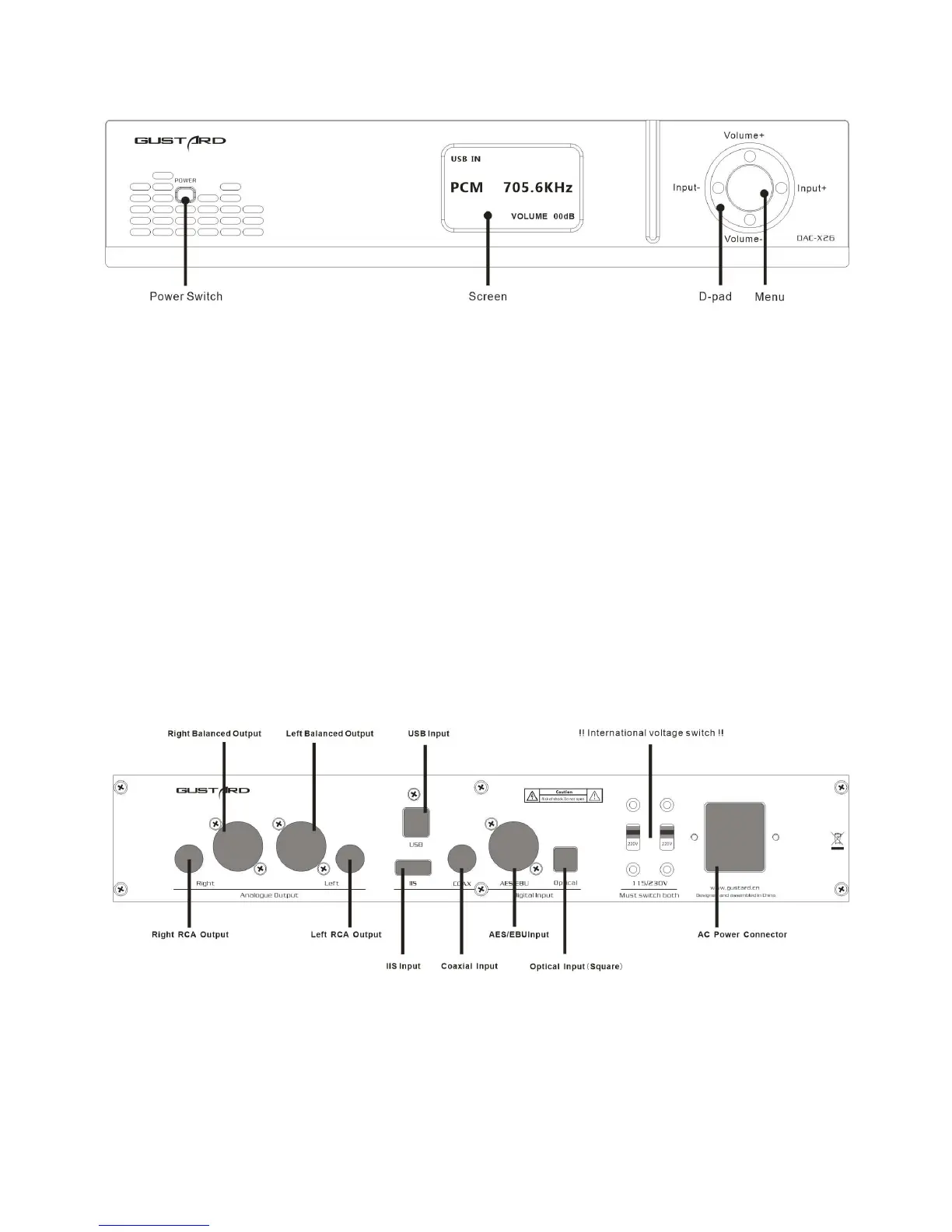
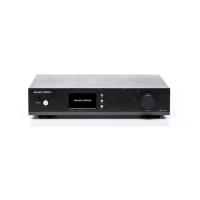
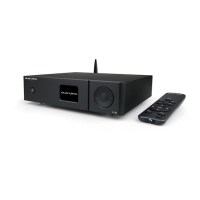
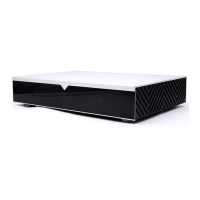
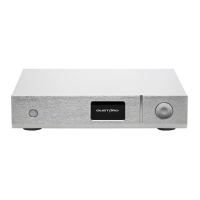
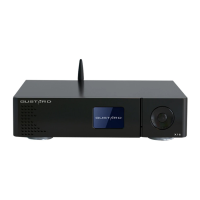
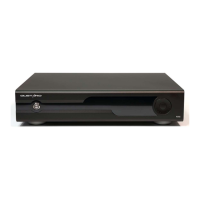
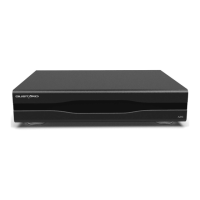
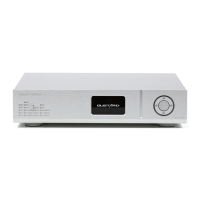
Front panel
1. The power switch is a button. When the power is off, press the power switch to
turn it on. Press again to power off.
2. The screen will display the current input channel, encoding format and sample rate,
volume and other status.
3. The D-pad can be used for input channel selection and volume adjustment; or select
and adjust various menu options in the menu state.
4. Press the Menu button to enter or exit the menu.
Rear panel
* When operating the international voltage switch, please be sure to set both switches to the
same voltage at the same time, otherwise the power transformers of the DAC-X26 will be damaged
after power-on.


 To Next Page