2 of 41
1. Cautions and Warnings
Model: M15AE / M17AE / M19AI
Symbol Description
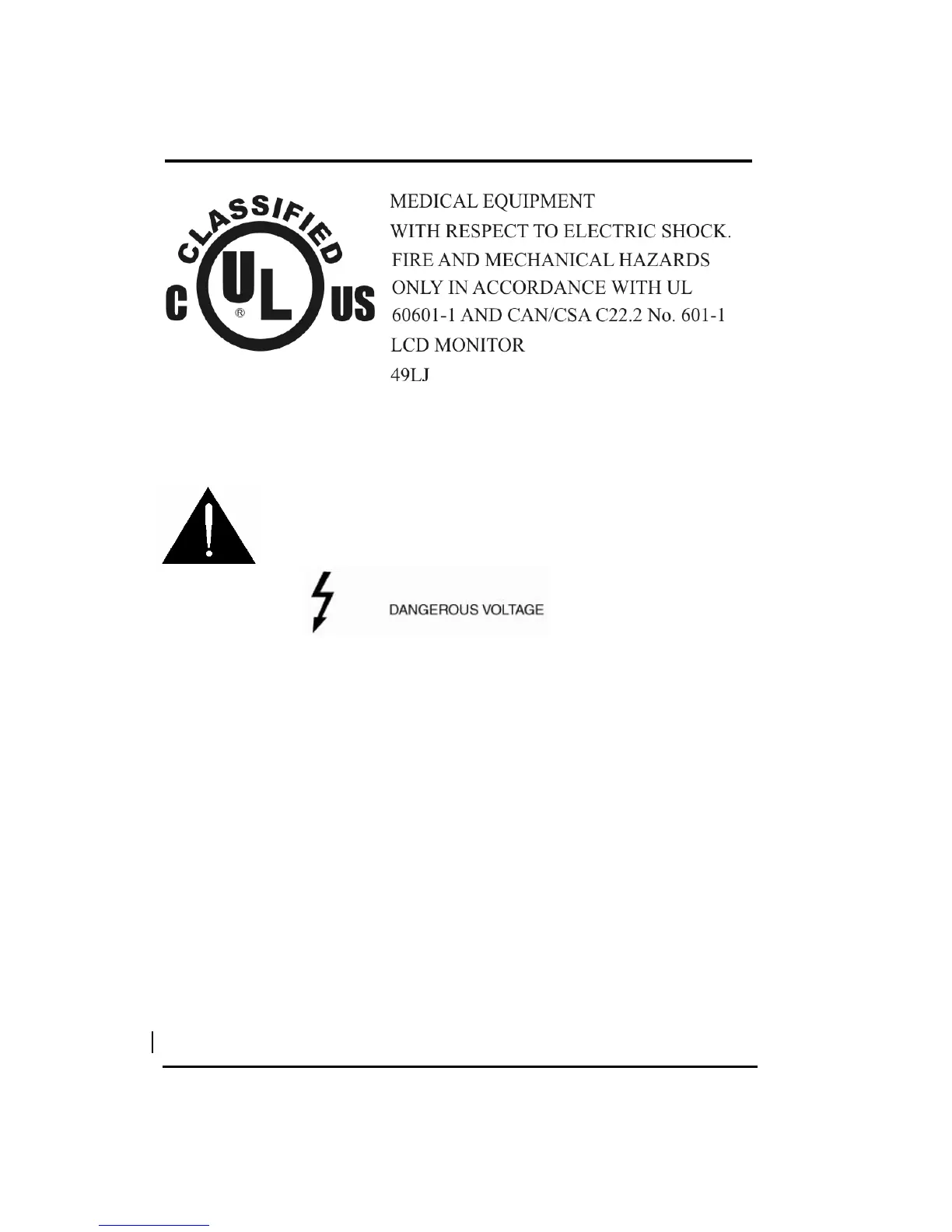
Caution ! – This symbol alerts you to important operating
considerations or a potential operating condition that
could damage equipment. Refer to user’s manual or
operation’s manual for precautionary instructions.
CLASSIFICATION
Class I.
No applied parts.
Protection against harmful ingress of water : Ordinary Equipment (IPX0) – No protection.
Not suitable for use in the presence of a flammable anesthetic’s or oxygen.
Mode of operation : Continuous.
Precautions
Read all of these instructions and save them for later use.
Follow all warnings and instructions on the product.
Product
- Do not cover or block the vent holes in the case.
- Do not insert sharp objects or spill liquid into the LCD monitor through cabinet slots. They
may cause accident fire, electric shock or failure.
- Disconnect the power plug from the AC outlet if you will not use it for an indefinite period
of time.
- Do not attempt to service this product yourself, as opening or removing covers may
expose you to dangerous voltage points or other risks.
- Do not apply pressure to the screen. The LCD is very delicate.
- Do not touch the LCD panel or Touch Screen surface with sharp or hard objects.
Removed power cord if fault happened..


 To Next Page