EasyManua.ls Logo

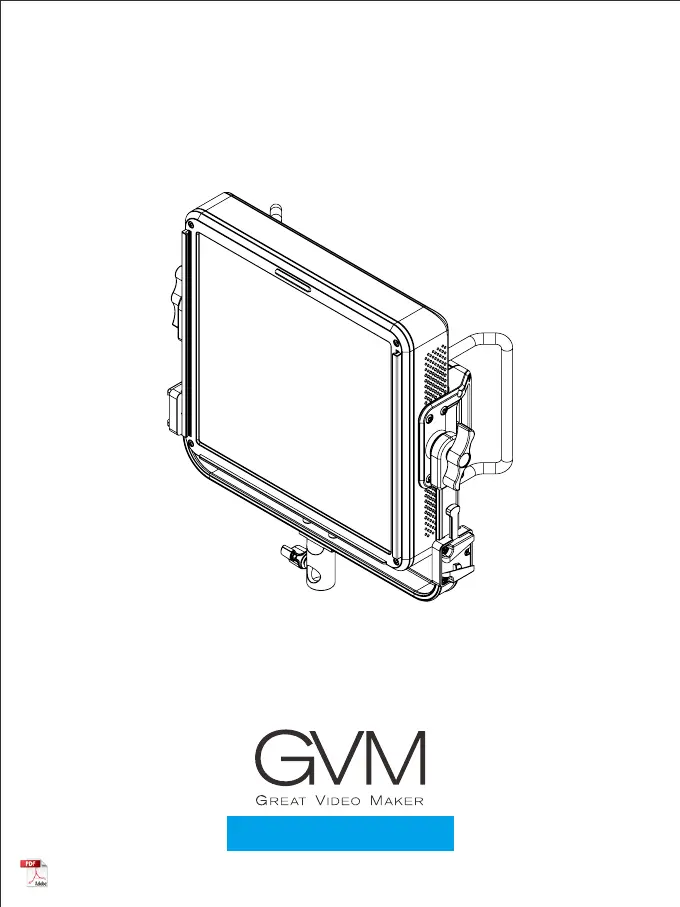
GVM GVM-PRO-YU150R - User Manual

GVM GVM-PRO-YU150R
18 pages
Print Icon
To Next Page IconTo Next Page
Loading...
GVM-PRO-YU150R

Questions and Answers

  • S
    saveryAug 10, 2025
    What to do if the GVM GVM-PRO-YU150R Lighting Equipment APP fails to connect the device to the network configuration of the device?
    • R
      Richard MitchellAug 10, 2025
      If the APP fails to connect your GVM Lighting Equipment to the network, try resetting the device's Bluetooth, restarting the APP, and then attempting the connection again.
  • R
    Randy HallAug 16, 2025
    What to do if my GVM Lighting Equipment is not turning on?
    • B
      Brandi AndersonAug 16, 2025
      If your GVM Lighting Equipment isn't turning on, first ensure the power cord plug is securely connected. If that doesn't work, try using the product after fully charging the battery.
  • S
    Stacy PattersonAug 22, 2025
    What to do if the GVM GVM-PRO-YU150R device in the APP cannot be clicked to enter the control?
    • C
      Carla WilsonAug 22, 2025
      If you can't click on the device in the APP to control your GVM Lighting Equipment, try restarting the device and wait for 5 seconds until it shows as online. If the issue persists, reset the device's Bluetooth and re-add it to the device list in the APP.
  • D
    dominique34Aug 28, 2025
    What to do if the GVM GVM-PRO-YU150R Lighting Equipment device cannot be searched after being removed from the APP?
    • M
      moorechristopherAug 28, 2025
      If your GVM Lighting Equipment device cannot be found after being removed from the APP, reset the device's Bluetooth and then search again to add the device.
  • J
    jonesstephanieSep 3, 2025
    How to fix GVM Lighting Equipment when the Bluetooth of the device cannot be searched in the APP?
    • M
      Matthew PrinceSep 3, 2025
      To fix this issue: 1. Turn on the Bluetooth and network data functions of your mobile phone. 2. For Android systems, enable location permissions. 3. Reset the device Bluetooth.

GVM GVM-PRO-YU150R Specifications

General IconGeneral
ModelGVM-PRO-YU150R
TypeLED Video Light
Wattage150W
Color Temperature3200K-5600K
CRI≥97
TLCI≥97
RGB ModeYes
CoolingFan Cooling
Beam Angle120°
Dimming0-100%
VoltageAC100-240V
Power SupplyAC 100-240V
ControlDMX Control

Related product manuals