11
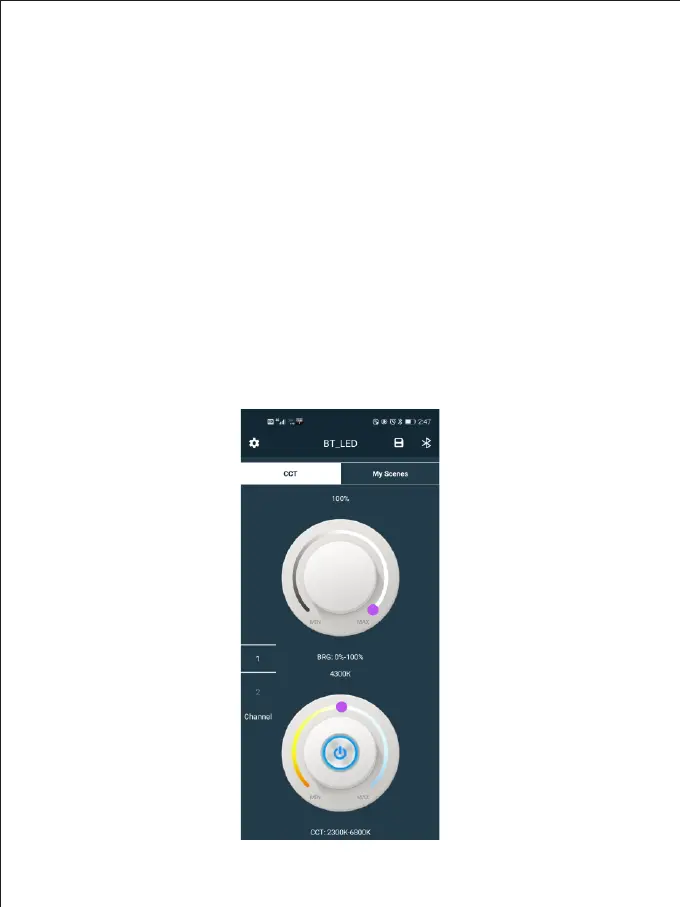
Color temperature control interface
Turn on the video light and set the mode to APP mode. Open the “GVM_LED”
application software on the phone ( The phone needs to turn on Bluetooth and
GPS), then enter the Bluetooth search interface Find the Bluetooth named
“BT_LED” and connect Wait for the connection After connecting success,
it will automatically enter the app’s control interface. At this time, the
connected video light can be controlled through the APP.
PENGGUNAAN APLIKASI
Sc a n the Q R c od e o n the b a c k of the m a nua l to dow nloa d the A PP



 To Next Page