EasyManua.ls Logo

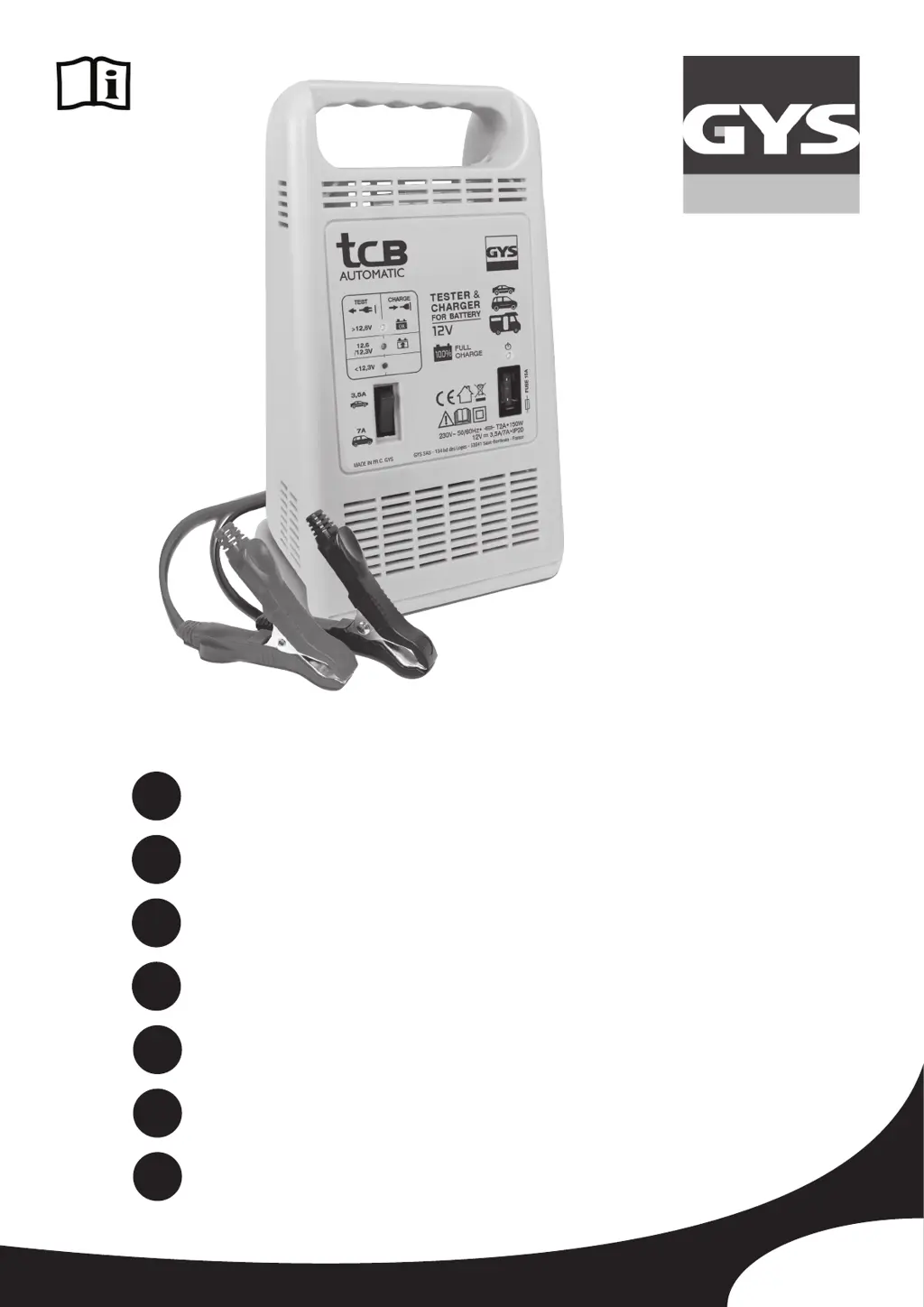
GYS TCB 90 - User Manual

GYS TCB 90
48 pages
Go to English
Print Icon
To Next Page IconTo Next Page
Loading...
72168_V9_17/11/2023
FR
EN
DE
ES
RU
2-8 / 46-48
9-14 / 46-48
15-21 / 46-48
22-27 / 46-48
28-33 / 46-48
TCB 60 / 90 / 120
www.gys.fr
Chargeur de batterie
Battery Charger
Batterieladegerät
Cargador de batería
Зарядное устройство
Accu lader
NL
IT
34-39 / 46-48
40-45 / 46-48
Caricabatteria

Other manuals for GYS TCB 90

Questions and Answers

  • J
    John LeeAug 10, 2025
    What to do if GYS TCB 90 is properly connected but not charging?
    • L
      lori10Aug 10, 2025
      If your GYS Battery Charger is connected correctly but isn't charging, there might be several reasons. First, the fuse may be blown and needs replacement. Second, the clamp connections could be bad, so clean the terminals and clamps, and check the condition of the cables. Third, the charge settings might be incorrect; ensure the selected voltage matches the battery voltage. Finally, after intensive use, the device may have entered thermal protection mode; allow it to cool down for about 15 minutes.
  • S
    Sharon GloverAug 15, 2025
    Why does the GYS TCB 90 fuse blow every time I replace it?
    • S
      Sarah DaltonAug 16, 2025
      If the fuse in your GYS Battery Charger blows repeatedly after replacement, the issue might stem from several causes. Check for polarity reversal, ensuring the (+) clamp connects to the battery's (+) terminal and the (-) clamp to the battery's (-) terminal. Avoid starting the vehicle while the charger is connected. Also, verify that the selected voltage matches the battery voltage. Lastly, high current draw from the battery during charging can cause this; ensure no current is being drawn from the battery during charging.
  • B
    Brian AustinAug 22, 2025
    What to do if none of the GYS Battery Charger indicators are switching on?
    • J
      John ProctorAug 22, 2025
      If none of the indicators on your GYS Battery Charger are lighting up, it could be due to a couple of reasons. First, ensure the power cord is properly plugged into a 230V 50/60Hz socket and verify the power supply network. Second, check for short-circuited clamps or polarity reversal. Remove the clamps and inspect the fuses to see if they have melted, and check if the circuit breaker has tripped.
  • D
    Dr. David BaileyAug 27, 2025
    How to fix GYS TCB 90 when the mains indicator doesn't switch on?
    • D
      Derek PooleAug 27, 2025
      If the mains indicator on your GYS Battery Charger doesn't illuminate after plugging it in, the issue is likely related to the power supply. Ensure the power cord is connected to a 230V 50/60Hz socket and check the power supply network.
  • K
    Krista CoffeySep 3, 2025
    What to do if GYS TCB 90 end of charge indicator doesn't switch on after charging for a whole day?
    • M
      michaelcollinsSep 3, 2025
      If the end of charge indicator on your GYS Battery Charger doesn't turn on after a full day of charging, it suggests that the battery is likely damaged and needs to be replaced.

Summary

Safety Instructions

Device Usage Environment

Device is for indoor use only and must not be exposed to rain or excessive moisture.

Explosion and Fire Hazards

Battery charging emits explosive gas; avoid flames, sparks, and ensure ventilation.

Acid Projection Hazards

Wear safety goggles and gloves; rinse skin/eyes with water if contact with battery acid occurs.

Connection and Maintenance Procedures

Maintenance and Servicing

Cable replacement by manufacturer only. Service by qualified person. Unplug before work.

Product Description and Operation

Charger Functionality

Includes precautions, connection/disconnection steps, and current selection.

Protections, Troubleshooting, and Warranty

Troubleshooting Common Issues

Solutions for mains indicator, charging, fuse issues, and end-of-charge indicator problems.

Electrical Schematics

TCB 120 Schematic and Spare Parts

GYS TCB 90 Specifications

General IconGeneral
BrandGYS
ModelTCB 90
CategoryBattery Charger
LanguageEnglish

Related product manuals