11
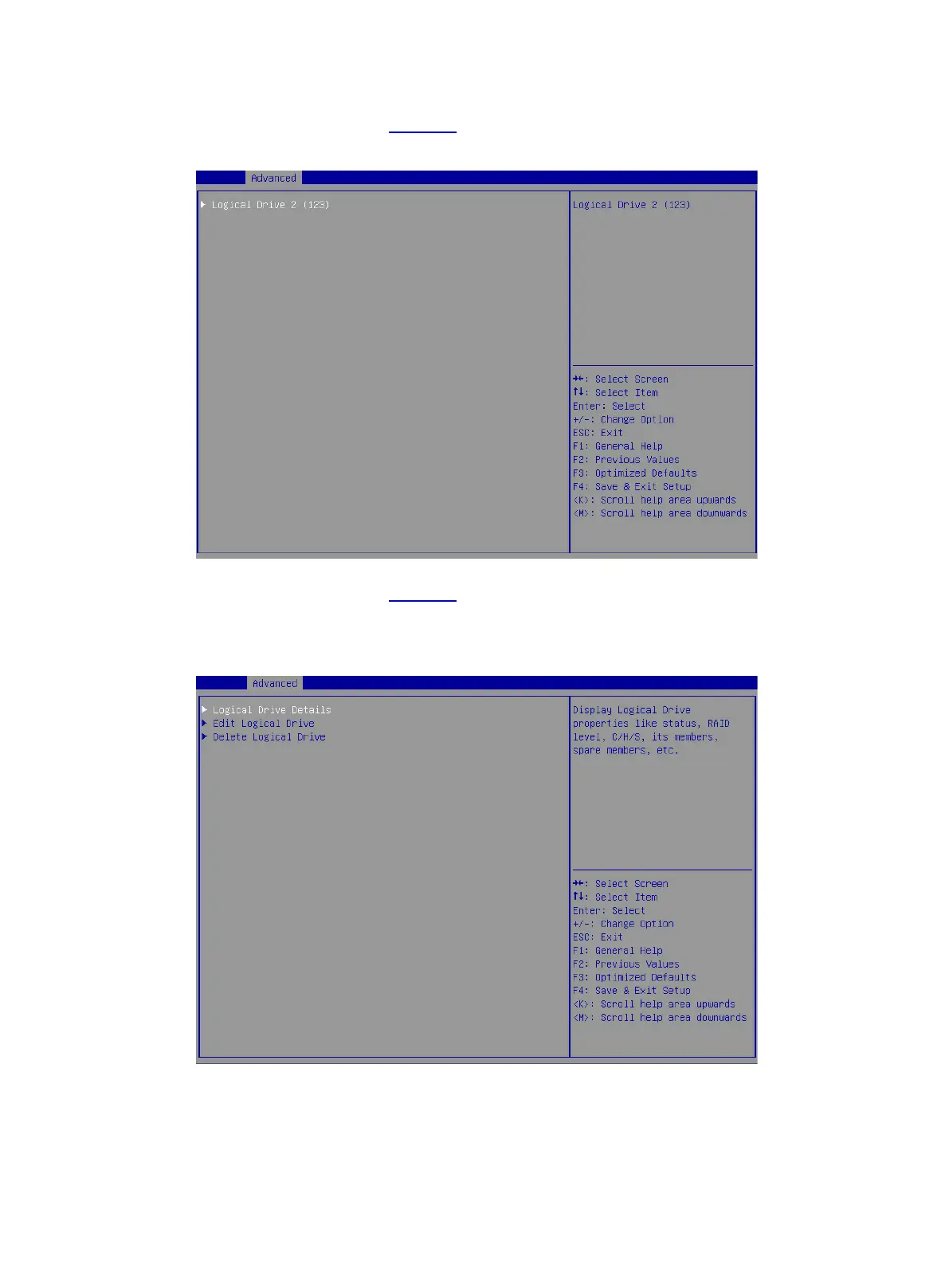
8. On the screen as shown in Figure 15, select Logical Drive 2 and press Enter.
Figure 15 Selecting Logical Drive 2
9. On the screen as shown in Figure 16, select Logical Drive Details and press Enter to view
detailed information about the RAID array (including RAID array name, level, and drive
information).
Figure 16 Selecting Logical Drive Details



 To Next Page
 Loading...








