32
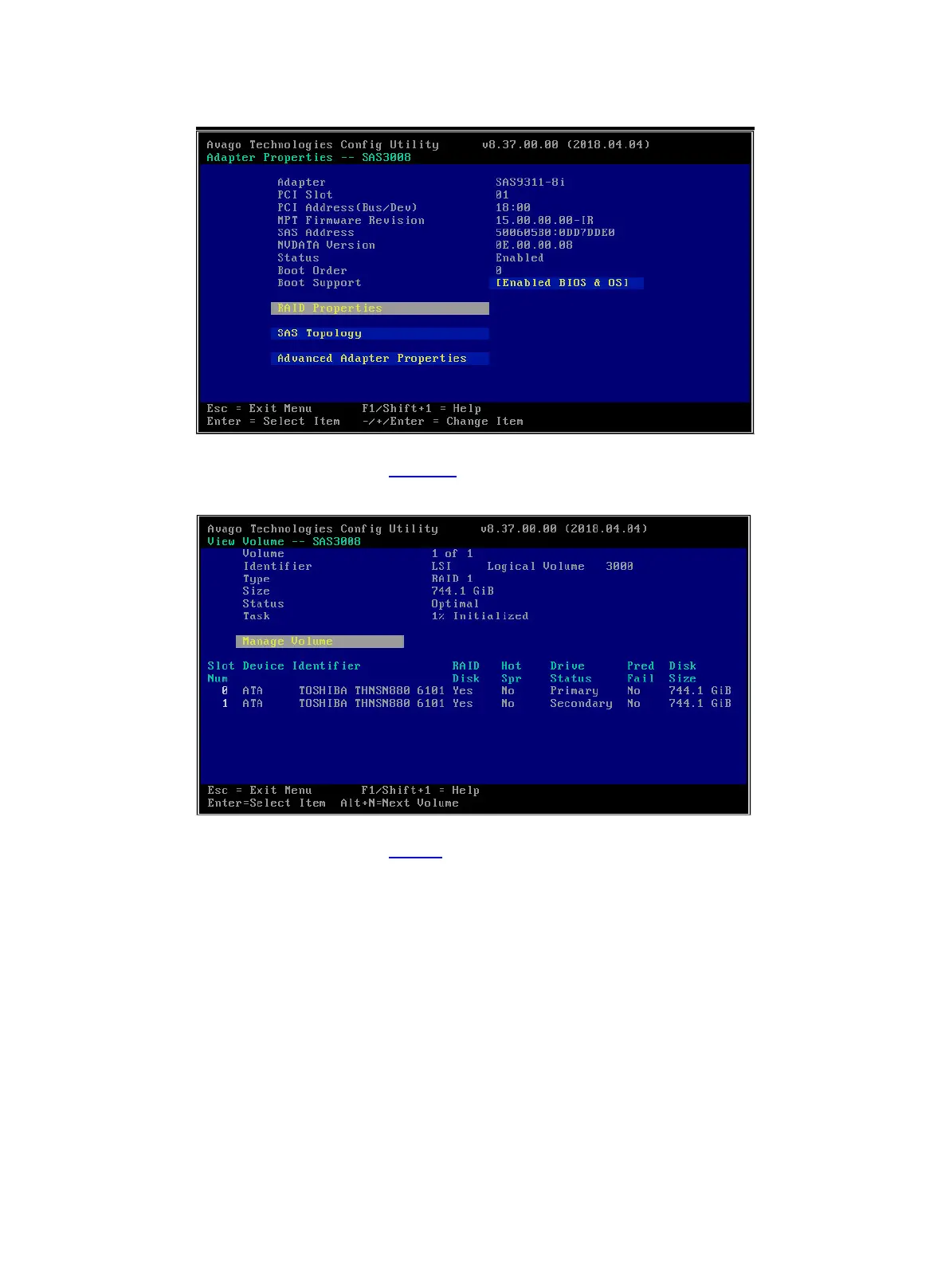
Figure 56 Storage controller configuration screen
2. On the screen as shown in Figure 57, select Manage Volume and press Enter.
Figure 57 Selecting Manage Volume
3. On the screen as shown in Table 6, select Consistency Check, press Enter, and then press
Y.











 To Next Page