29
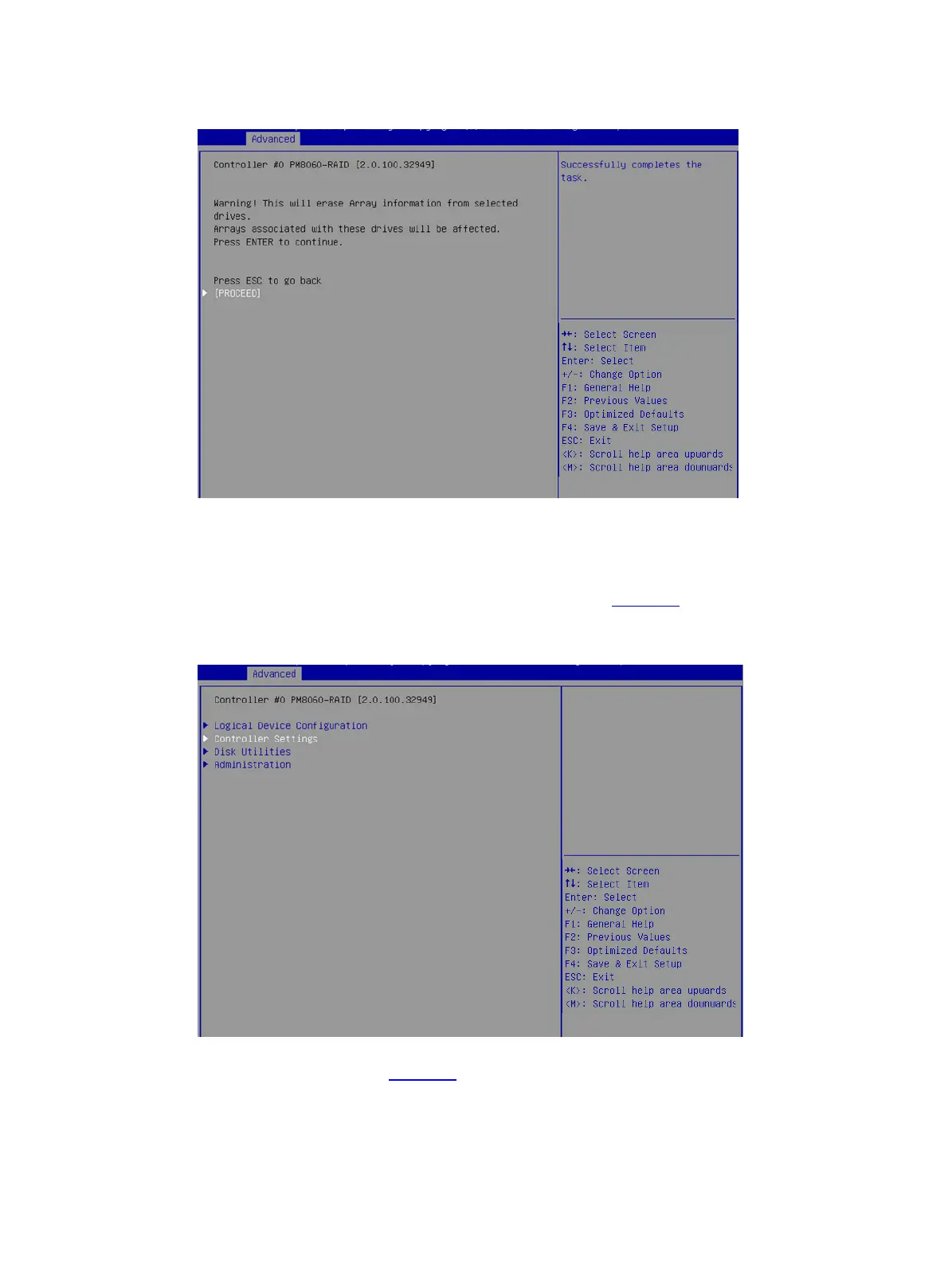
Figure 47 Erasing drives
Restoring the default configuration for a storage controller
1. On the storage controller configuration screen as shown in Figure 48, select Controller
Settings, and press Enter.
Figure 48 Storage controller configuration screen
2. On the screen as shown in Figure 49, select Controller Configuration, and press Enter.



 To Next Page
 Loading...








