Eclipse Installation, Commissioning & Operating Manual Approved Document Ref: UI-ECL-01 Issue 8.0
21
SETUP & PROGRAMMING
Fire LED
(pulsing)
LED 1 LED 2 LED 3 LED 4
Attribute
Fire
latching
Short
circuit as
re
Intrinsically
safe
operation
Detector
removal
monitoring
Amber
fault LED
(default
setting)
ON OFF OFF ON
RESOUND SILENCE RESET
ENTER
1 2 3 4
Disable
Mode
Test
Mode
Mute
Buzzer
Test
Lamps
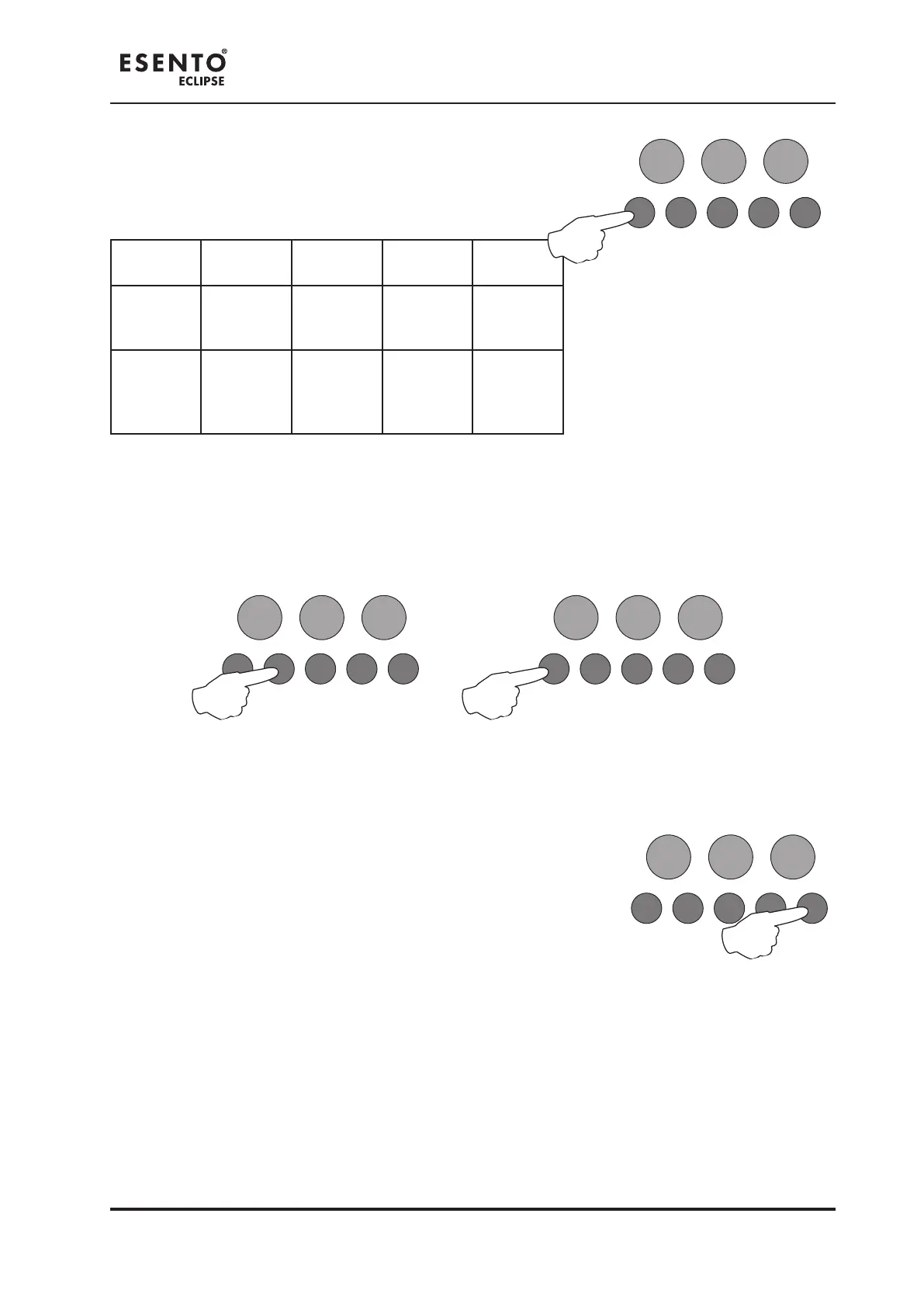
Use button 1 to scroll to the attribute that requires editing,
inidicated by a pulsing re LED 1 - 4 as per table below.
The setting of the attribute is indicated
by the amber, fault / disabled / test
LED, ON or OFF.
Use button 2 to switch the attribute ON or OFF, indicated by the amber, fault / disabled / test LED.
Then use button 1 to move to the next attribute if required.
Press the ENTER button to return back to the zone selection, indicated
by a steady zone re LED
RESOUND SILENCE RESET
ENTER
1 2 3 4
Disable
Mode
Test
Mode
Mute
Buzzer
Test
Lamps
RESOUND SILENCE RESET
ENTER
1 2 3 4
Disable
Mode
Test
Mode
Mute
Buzzer
Test
Lamps
RESOUND SILENCE RESET
ENTER
1 2 3 4
Disable
Mode
Test
Mode
Mute
Buzzer
Test
Lamps
When nished all the zone function programming, enter the next programming code or disable the controls
and return DIL switch 3 to ‘OFF’.



 To Next Page