Excel-EN Installation, Commissioning & Operating Manual Approved Document Ref: UI-XLEN-01 Issue 7.0
25
SETUP & PROGRAMMING
1
1
1
1
1
2
3
1
Initialise Factory Default Settings
Clear All Disablements
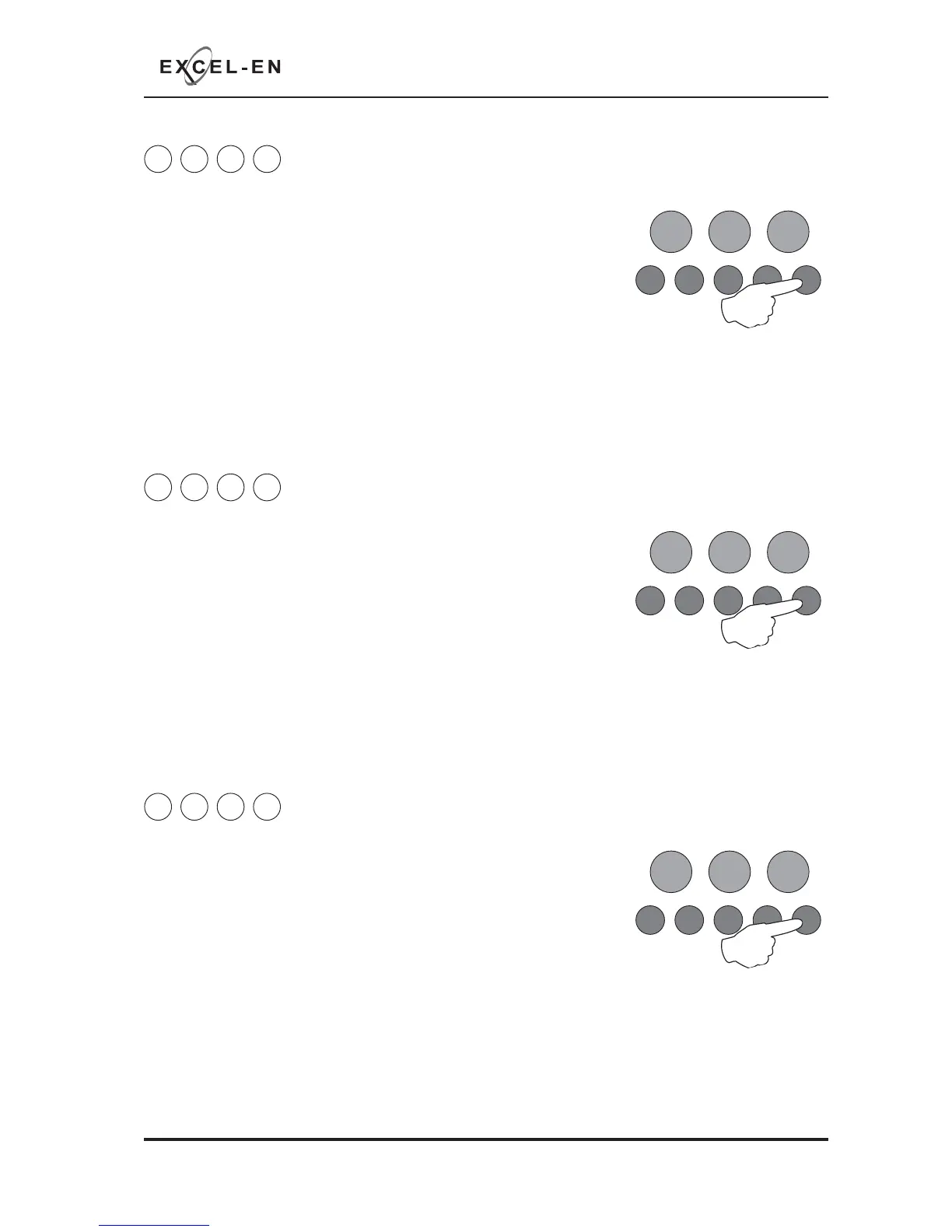
Enter the above code and press the ENTER button.
Then press the ENTER button again and hold for 3 seconds.
All disablements, test modes and programming will revert back to the
factory default settings.
The panel will bleep to acknowledge the reset.
When fi nished, enter the next programming code or disable the controls and return DIL switch 6 to ‘OFF’.
Enter the above code and press the ENTER button.
Then press the ENTER button again and hold for 3 seconds.
Any disabled zone, sounder circuit, output or delay will now be enabled.
The panel will bleep to acknowledge the reset.
When fi nished, enter the next programming code or disable the controls and return DIL switch 6 to ‘OFF’.
RESOUND SILENCE RESET
ENTER
1234
Disable
Mode
Test
Mode
Mute
Buzzer
Test
Lamps
RESOUND SILENCE RESET
ENTER
1234
Disable
Mode
Test
Mode
Mute
Buzzer
Test
Lamps
2 2 2 4
Set Fault Buzzer Volume
RESOUND SILENCE RESET
ENTER
1234
Disable
Mode
Test
Mode
Mute
Buzzer
Test
Lamps
There are two levels of volume for the internal fault buzzer, high and low.
Enter the above code and press the ENTER button to increase or decrease
the fault buzzer tone from the previous level.
Setting will change when ENTER button is pressed.
When fi nished, enter the next programming code or disable the controls and return DIL switch 6 to ‘OFF’.



 To Next Page