Excel-EN Installation, Commissioning & Operating Manual Approved Document Ref: UI-XLEN-01 Issue 7.0
26
SETUP & PROGRAMMING
2 1 2 3
Panel Wide Settings
OPTION 1. Change / Remove Keypad Access Code
There are 11 general, panel wide, settings available.
Enter the above code and press the ENTER button. The 11 programmable
options are represented by fi re zone LEDs 1 - 11.
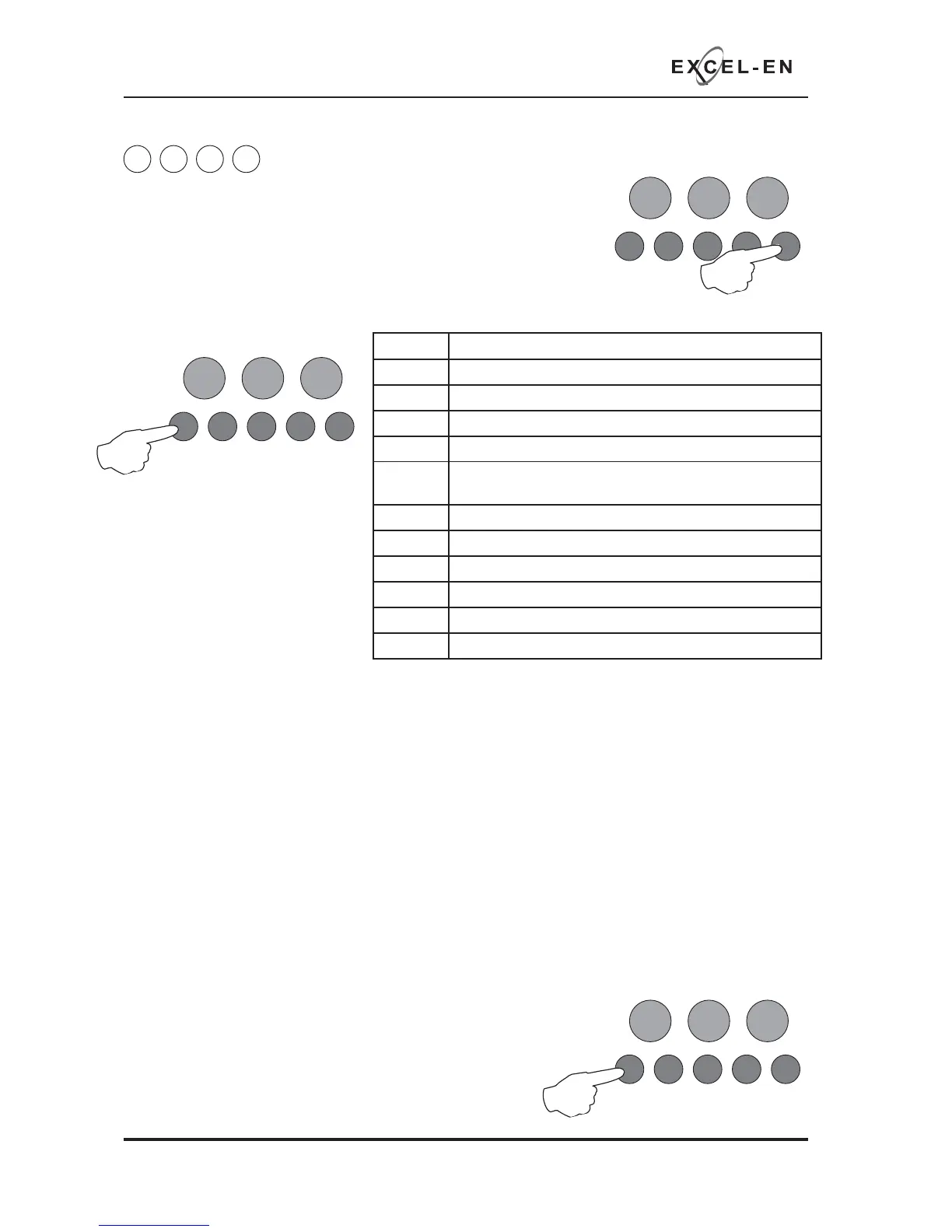
Use button 1 to move to option required as per table;
RESOUND SILENCE RESET
ENTER
1234
Disable
Mode
Test
Mode
Mute
Buzzer
Test
Lamps
RESOUND SILENCE RESET
ENTER
1234
Disable
Mode
Test
Mode
Mute
Buzzer
Test
Lamps
Fire LED Programming Option
1 Change / remove keypad access code
2 Set number of repeater panels on system
3 Set time for panel delay timer (1 - 10 minutes)
4 Disable battery monitoring
5 Setup internal PCB confi guration (adding or removing
extension zone cards)
6 Change network/repeater comms monitoring type
7 Set number of output cards
8 Inhibit muted tone beeps
9 Inhibit network alarms & faults for panel
10 Set number of network slave panels on system
11 Inhibit fi re & fault buzzer on network slave panel
The keypad can be used to activate the panel controls instead of using the key switch. The default code
is 1-2-3-4, however, this can be changed. It is also possible to disable the use of a code entry to enable
controls, forcing the use of the key switch only.
With the zone 1 fi re LED lit, press the ENTER button. Zone 1 fi re LED will pulse to indicate ‘edit mode’ and
the amber, fault LEDs will start to rapidly pulse in sequence to show the currently set code.
Enter the new code slowly and deliberately, one number at a time using buttons 1 - 4
Note: Enable Controls codes must always start with a 1 or 2.
When fi nished entering the new four digit code, press the ENTER button. The panel will then confi rm the
new code with rapidly pulsing LEDs in sequence and zone 1 fi re LED will return to steady ‘view mode’.
Changing the keypad code to 1 - 1 - 1 - 1 will disable the use of a keypad to enable controls.
Press button 1 to move to next option or hold button 1 for 3
seconds to exit programming mode 2-1-2-3. (The panel will
confi rm the new access code one more time before exiting the
programming mode).
RESOUND SILENCE RESET
ENTER
1234
Disable
Mode
Test
Mode
Mute
Buzzer
Test
Lamps



 To Next Page