Excel-EN Installation, Commissioning & Operating Manual Approved Document Ref: UI-XLEN-01 Issue 7.0
27
SETUP & PROGRAMMING
OPTION 2. Set Number of Repeater Panels on System
OPTION 3. Set Time For Panel Delay Timer
RESOUND SILENCE RESET
ENTER
1234
Disable
Mode
Test
Mode
Mute
Buzzer
Test
Lamps
RESOUND SILENCE RESET
ENTER
1234
Disable
Mode
Test
Mode
Mute
Buzzer
Test
Lamps
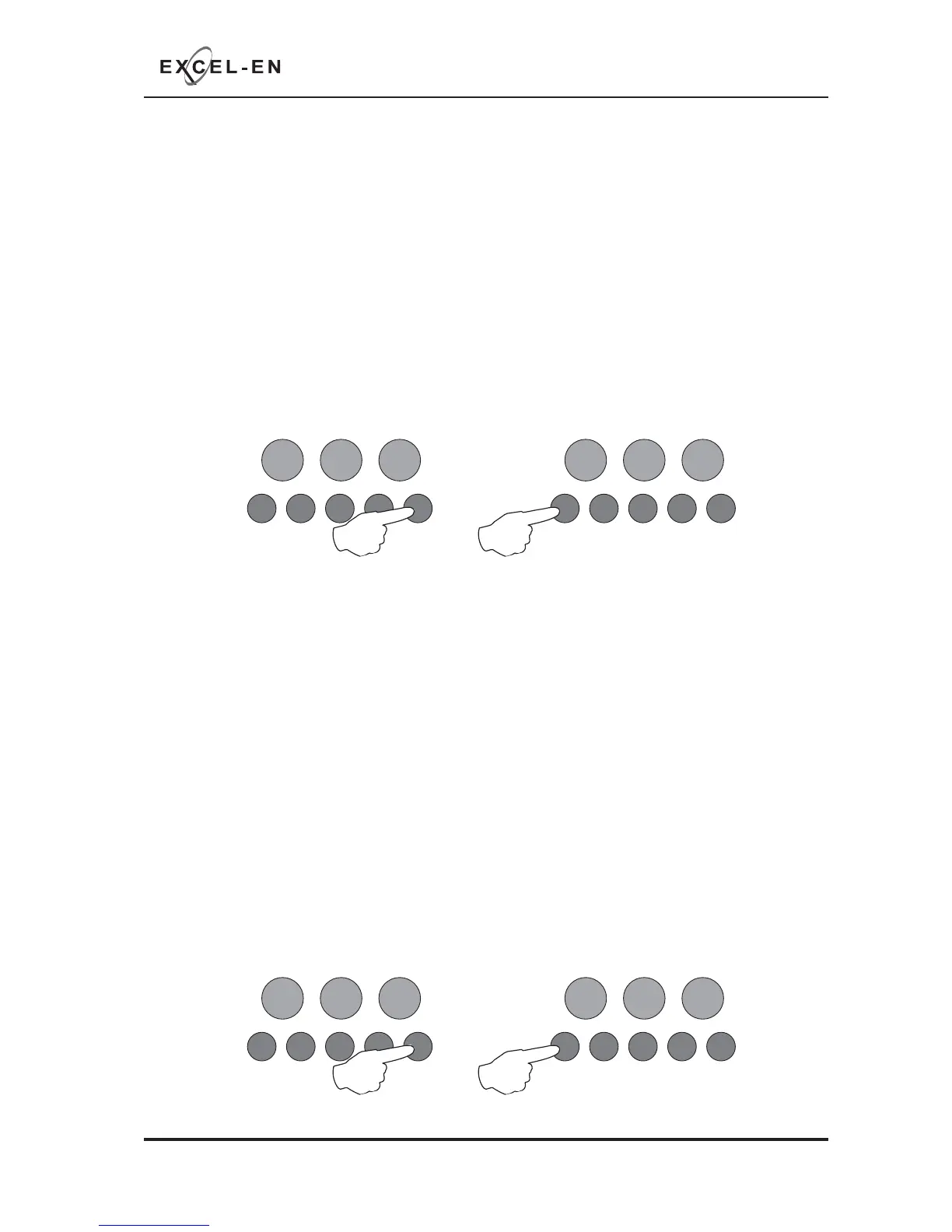
If repeater panels are to be used, the quantity on the system, 1- 8, must be set up for monitoring purposes.
An incorrect quantity will cause a repeater fault to be shown on the panel.
With the zone 2 fi re LED lit, the amber, fault LEDs will show the current quantity of repeaters set 0 - 8. (1
LED lit = 1 repeater, 2 = 2 etc..).
Press the ENTER button, zone 2 fi re LED will pulse to indicate ‘edit mode’.
Now use buttons 1 & 3 to increase or decrease the quantity. Button 1 increases, button 3 decreases.
When fi nished press the ENTER button again and the zone 2 fi re LED will return to steady ‘view mode’.
Press button 1 to move to next option or hold button 1 for 3 seconds to exit programming mode 2-1-2-3.
The panel delay time for all outputs is set here. To actually apply the delay to the desired outputs, see
programming code 2-3-2-3. The default setting is 3 minutes but can be changed to between 1 - 10
minutes.
With the zone 3 fi re LED lit, the amber, fault LEDs will show the current time set. The time is represented
by a binary code using LEDs 1 - 4.
LED 1 = 1min, LED 2 = 2min, LED 3 = 4min, LED 4 = 8min. Therefore if LEDs 1 & 2 are lit the time is 3
minutes (1 + 2). If LEDs 2 & 4 are lit the time = 10 minutes (2 + 8).
Press the ENTER button, zone 3 fi re LED will pulse to indicate ‘edit mode’.
Now use buttons 1 & 3 to increase or decrease the time, each press will increase or decrease the time by
1 minute. Button 1 increases, button 3 decreases.
When fi nished press the ENTER button again and the zone 3 fi re LED will return to steady ‘view mode’.
Press button 1 to move to next option or hold button 1 for 3 seconds to exit programming mode 2-1-2-3.
RESOUND SILENCE RESET
ENTER
1234
Disable
Mode
Test
Mode
Mute
Buzzer
Test
Lamps
RESOUND SILENCE RESET
ENTER
1234
Disable
Mode
Test
Mode
Mute
Buzzer
Test
Lamps



 To Next Page