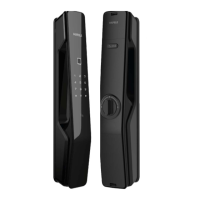
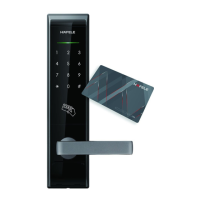
When installed batteries are going flat, lamp flashes 7 days before and alarm sounds (Ding dong sound like school bell). In this
case, replace all batteries with new one. Password or touch key (Card/Key tag) will not change even after replacing the batteries.
Change battery
Product life span cannot be guaranteed if used batteries are used together with new one. It is required to use
quality alkaline battery. When using rechargeable battery, product can cause malfunction.
Please check battery polarity (+/-). Polarity reversal may cause malfunction. Consumer is liable for any damage
caused by faulty battery and make sure to use quality alkaline battery only.
Caution
Unlock a door using password
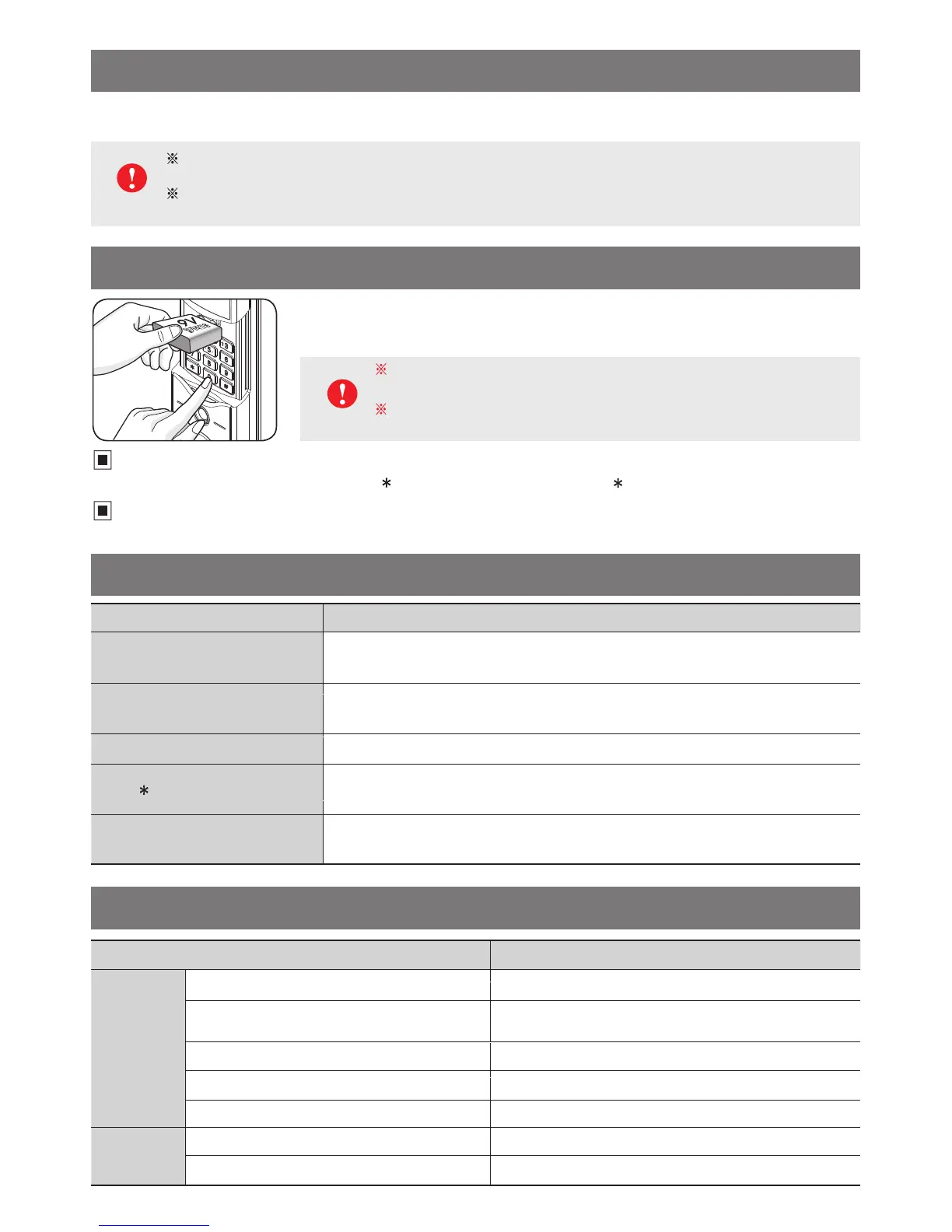
Contact 9V battery to emergency socket → Press button and enter password → Press button to unlock
Unlock a door using touch key or card/key tag
(Applied model with touch key and card/key tag)
Contact 9V battery to emergency socket and place touch key (Card/Key tag) on external input pad to unlock a door.
Unlock a door with emergency battery
When batteries are completely flat after long term travel, the emergency power supply function
allows safe unlocking of a door. Purchase DC9V alkaline battery, contact it to emergency socket
on outdoor body and apply password or touch key (Card/Key tag).
Make sure that battery is properly contacted with emergency socket when using
this function. (External emergency power supply socket does not have polarity).
Location of external emergency power supply socket may differ according to
the product model.
Product speicifications
Fault diagnosis and troubleshooting
Caution
Symptoms Troubleshooting
Cannot remember password
- Open a door using touch key (Card/Key tag) and register new password.
(number-dedicated models excluded)
Password input failure
(5 attempts)
- All functions are not available for 1 minute after failure of 5th attempt.
Wait for 1 minute and set new password or touch key (Card/Key tag).
Door is not automatically locked - Check if auto locking function is enabled
button is not working
- If other functions are not working, check if batteries are properly inserted.
If batteries are flat, replace them with new batteries.
External button sound is not working
and lamp is not flashing
- Check if there is any liquid leakage on battery case or product and if so,
wipe out contact area with a dry cloth.
Type Specification
Basic items
Use password 3 ~ 19 digits
The number of touch keys (Cards/Key tags)
to be registered
Up to 50 (Applied models with touch key and card/key tag)
The number of remote controller to be registered Up to 15 (Applied models with remote controller)
The number of fingerprints to be registered Up to 200 (Applied models with the input of the fingerprints)
Thickness of door 35 ~ 50 mm
Power supply
Power source 6V (AA Size 1.5V Alkaline Battery X 4EA)
Emergency power source (Do not have polarity) 9V square alkaline battery (Purchase separately)



 To Next Page