8
How to use
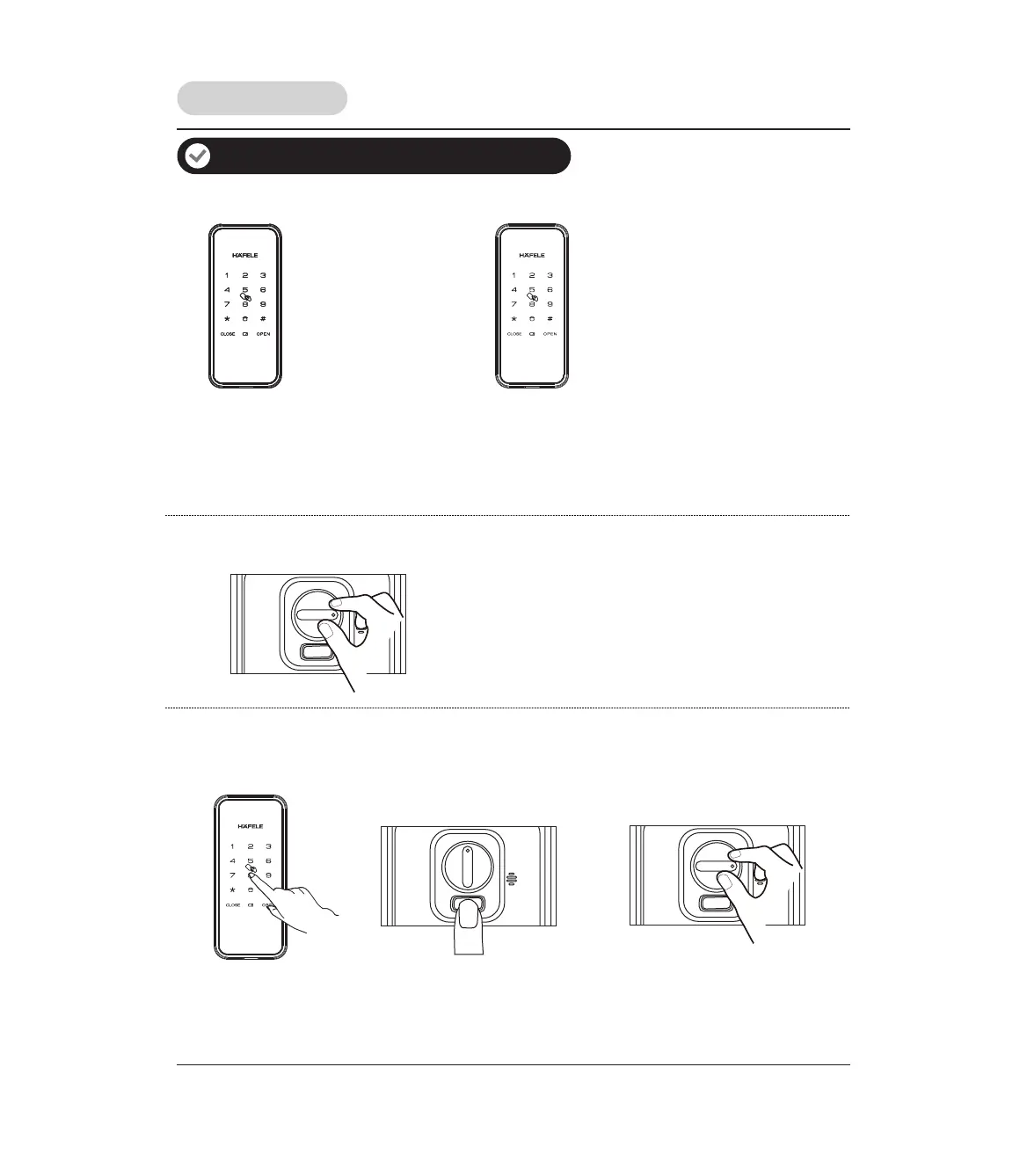
How to lock the door
Auto locking mode: After close the door, the deadbolt will come out automatically
Manual locking mode:
Press and hold any key for
1 second.
How to open the door from outside
PIN code
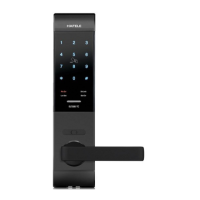
1. Touch keypad screen by
palm to wake up lock.
2. Enter the enrolled PIN
code and press [#].
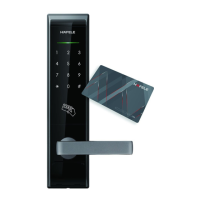
Card
Place the enrolled
card properly on the
card icon area until
one beep sounds.
Press close button
1 time to lock.
Turning manual close/open knob
into the position of lock icon.
How to open the door from inside
Manual close/open knob
Turning manual close/open knob into
the position of unlock icon.
Random security coding function
The random number can be added before or after the real user PIN code but the maximum length is 20 digits.
This feature will prevent the real user PIN code from being exposed.
Open & Lock the door



 To Next Page