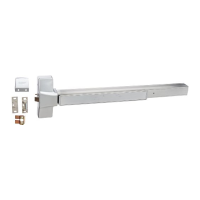
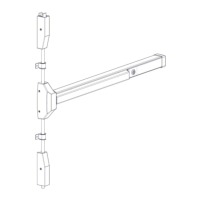
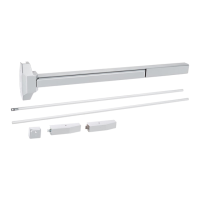
Mortise Lock Exit Device
Installation Instructions
I-ED01553
Rev 4, Rev Date: 06/19/18 27390043 Page 9 of 10
14. INSTALL CYLINDER (NO TRIM – NL FUNCTION ONLY)
Only the Night Latch function can be used with a cylinder only or cylinder by optional pull. Loosen the cylinder retaining screw to allow
the cylinder to be threaded into the lock case. This is done by inserting a screw driver with a #2 tip in the hole on the mortise lock
body. Insert the wave washer, spacer and cylinder collar (7/16”) over the cylinder. Screw the cylinder into the lock body. The
keyway must end up on the bottom of the cylinder housing. Secure the cylinder by tightening the retaining screw.
Install the armor front with the supplied screws.
Install the Exit Device Head Cover using the supplied screws.



 To Next Page