EasyManua.ls Logo

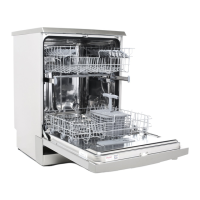
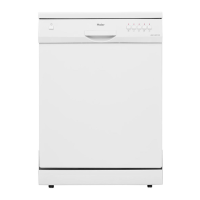
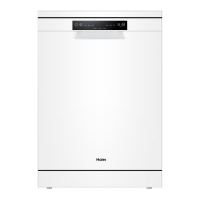
Haier HDW13V1W1 - User Manual

Haier HDW13V1W1
33 pages
Print Icon
To Next Page IconTo Next Page
Loading...
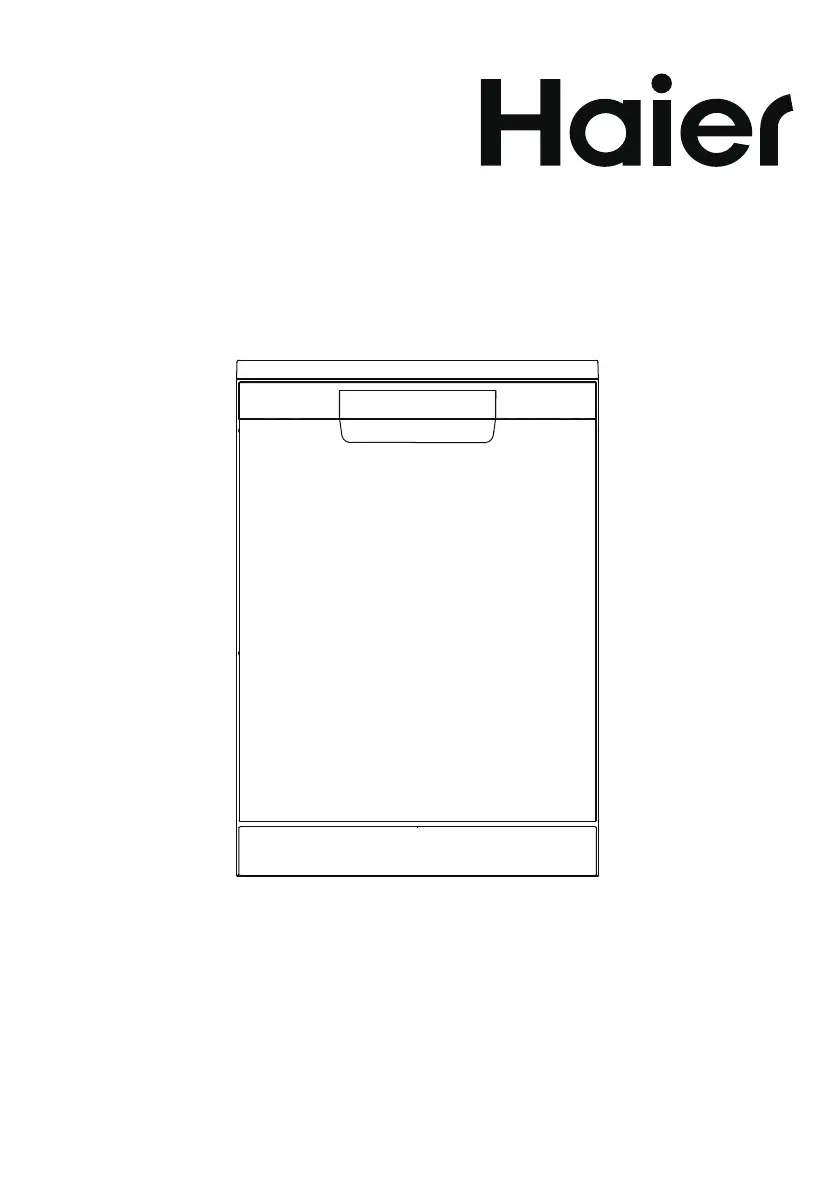
User Manual
Dishwasher
HDW13V1W1
HDW13V1S1
HDW13V1G1

Questions and Answers

  • W
    William ArmstrongAug 2, 2025
    How to fix a Haier Dishwasher that won't start?
    • J
      Joshua JensenAug 2, 2025
      If the Haier Dishwasher programme doesn't start, it could be due to several reasons. First, ensure that the appliance door is fully closed. Also, check if the delay start function is activated, and refer to the displayed time. Verify that the mains plug is correctly connected to the mains socket and that the fuse in the house circuit is not damaged; replace it if necessary.
  • K
    Kenneth PriceAug 6, 2025
    What to do if dishes are wet after Haier HDW13V1W1 cycle?
    • K
      Kevin NealAug 6, 2025
      If your dishes are wet after a cycle in your Haier Dishwasher, it might be because the programme did not include a drying phase or used a low-temperature drying phase. To help the drying process, slightly open the dishwasher door and leave it ajar (about 100 mm).
  • T
    timothyharrisAug 11, 2025
    Why are dishes wet and matte after using my Haier HDW13V1W1?
    • V
      Victor MasonAug 11, 2025
      If the dishes are wet and matte after using your Haier Dishwasher, it could be due to an empty rinse aid dispenser. Refill the rinse aid into the dispenser and reset the rinse aid indicator. Another possibility is the quality of the rinse aid or Multitab; if the cleaning product is too old, change it.
  • S
    Sarah MillerAug 14, 2025
    What does it mean when the anti-flood device is on in my Haier HDW13V1W1?
    • M
      Mackenzie RobertsAug 14, 2025
      If the anti-flood device is activated on your Haier Dishwasher and the display shows a related alarm code, it indicates water leakages. Close the water tap if the water inlet valve is open and blocked. Disconnect the appliance from the power supply if the drainage is blocked. If the issue persists, contact customer service.
  • T
    Tara JenkinsAug 19, 2025
    Why does my Haier HDW13V1W1 Dishwasher leave dry water drop stains?
    • G
      George MckeeSep 12, 2025
      If you notice dry water drop stains on glasses and dishes after using your Haier Dishwasher, it could be due to a few reasons. The rinse aid dosage might be too low, so try increasing the released quantity of rinse aid. Additionally, the quality of the rinse aid or Multitab might be compromised, possibly because the cleaning product is too old, so consider changing the product.
  • J
    Jennifer ChanAug 23, 2025
    Why is the Rinse Aid Indicator on in my Haier Dishwasher?
    • W
      wyoungAug 23, 2025
      If the Rinse Aid Indicator is lit on your Haier Dishwasher, it means the rinse aid dispenser is empty. Refill the rinse aid until it is full.
  • A
    anthonyburnsAug 28, 2025
    Why don't Multitab tablets dissolve in my Haier HDW13V1W1 Dishwasher?
    • L
      Lauren JohnstonAug 28, 2025
      Select a longer programme when using Multitab detergent tablets in your Haier Dishwasher to ensure they fully dissolve.

Summary

Safety

Intended Use and Standards

Defines appliance use and compliance with directives and standards.

Pre-Operation Safety Checks

Lists essential checks and prohibitions before first appliance use.

Daily Use Safety Guidelines

Provides safety rules for operating the dishwasher during daily use.

Product Description

Components and Accessories

Identifies dishwasher parts and lists included accessories and documentation.

Control Panel

Control Panel Layout and Functions

Explains buttons, display, and indicators on the control panel.

Indicator Icons and Statuses

Details indicators for wash status, rinse aid, and lock functions.

Programmes

Programme Overview

Details dishwasher programmes, soil types, and load suitability.

Before First Use

Initial Setup Steps

Guides through essential steps before the first operation of the dishwasher.

Rinse Aid and Buzzer Settings

Explains rinse aid settings, filling, and buzzer configuration.

Adjusting Settings and Child Lock

Covers adjusting rinse aid, buzzer, and activating/deactivating child lock.

Daily Use

Basket Loading and Rinse Aid Reset

Instructions for loading baskets and resetting the rinse aid indicator.

Upper Basket Loading and Adjustment

Details on loading the upper basket and adjusting its height for optimal space.

Lower Basket and Cutlery Loading

Guidance on loading the lower and cutlery baskets for effective washing.

Detergent and Multitab Usage

Instructions for using detergent and multi-tab tablets in the dishwasher.

Programme Operation

Covers starting, pausing, and interrupting dishwasher programmes.

Delayed Start and Cancellation

Explains how to set and cancel a delayed start for programmes.

End of Programme and Standby

Details actions upon programme completion, including unloading and standby.

Care and Cleaning

Filter Maintenance

Instructs on how to clean the dishwasher's three filters for optimal performance.

Spray Arm Cleaning

Guides on inspecting and cleaning the upper and lower spray arms to ensure efficient washing.

External Appliance Cleaning

Provides safety precautions and methods for cleaning the dishwasher's exterior.

Troubleshooting

Appliance Start and Operation Issues

Addresses issues with the appliance not starting or stopping during operation.

Error Codes and Water Issues

Explains error codes and problems with water filling and draining.

Washing Result Problems

Troubleshoots common problems like dishes not being clean or having white streaks.

Drying and Wetness Issues

Solves problems related to dishes being wet or having water drop stains.

Economic and Environmental Use

Eco-Friendly Usage Tips

Offers advice on water and energy saving practices for dishwasher operation.

Installation

Installation Types and Requirements

Covers free-standing and under-worktop installation with dimensional requirements.

Fresh Water Connection

Details fresh water connection requirements, pressure, and hose setup.

Anti-Flooding Protection

Explains the anti-flooding system and safety measures for the water supply hose.

Drain Water Connection

Provides instructions for connecting the drain hose to a sink or waste water connection.

Technical Data

Appliance Specifications

Lists technical specifications including power, voltage, capacity, and model variants.

Customer Service

Support and Contact Information

Guides users on seeking help from customer service and provides contact details.

Standards Test

Test Programme and Loading Patterns

Outlines the 'Eco' wash programme and recommended loading patterns for testing.

Haier HDW13V1W1 Specifications

General IconGeneral
Appliance placementFreestanding
Door colourWhite
Control panel colourWhite
Built-in displayYes
Number of washing programs6
Delay StartYes
AquaStop functionYes
Adjustable upper basket heightYes
AC input voltage220 - 240 V
AC input frequency50 Hz
Inlet hose length1.5 m
Half LoadYes
Child LockYes
Place Settings13
Washing programsNormal, Intensive, Eco, Soak
Dimensions (H x W x D)600 x 600 mm

Related product manuals