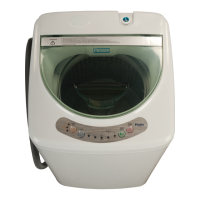
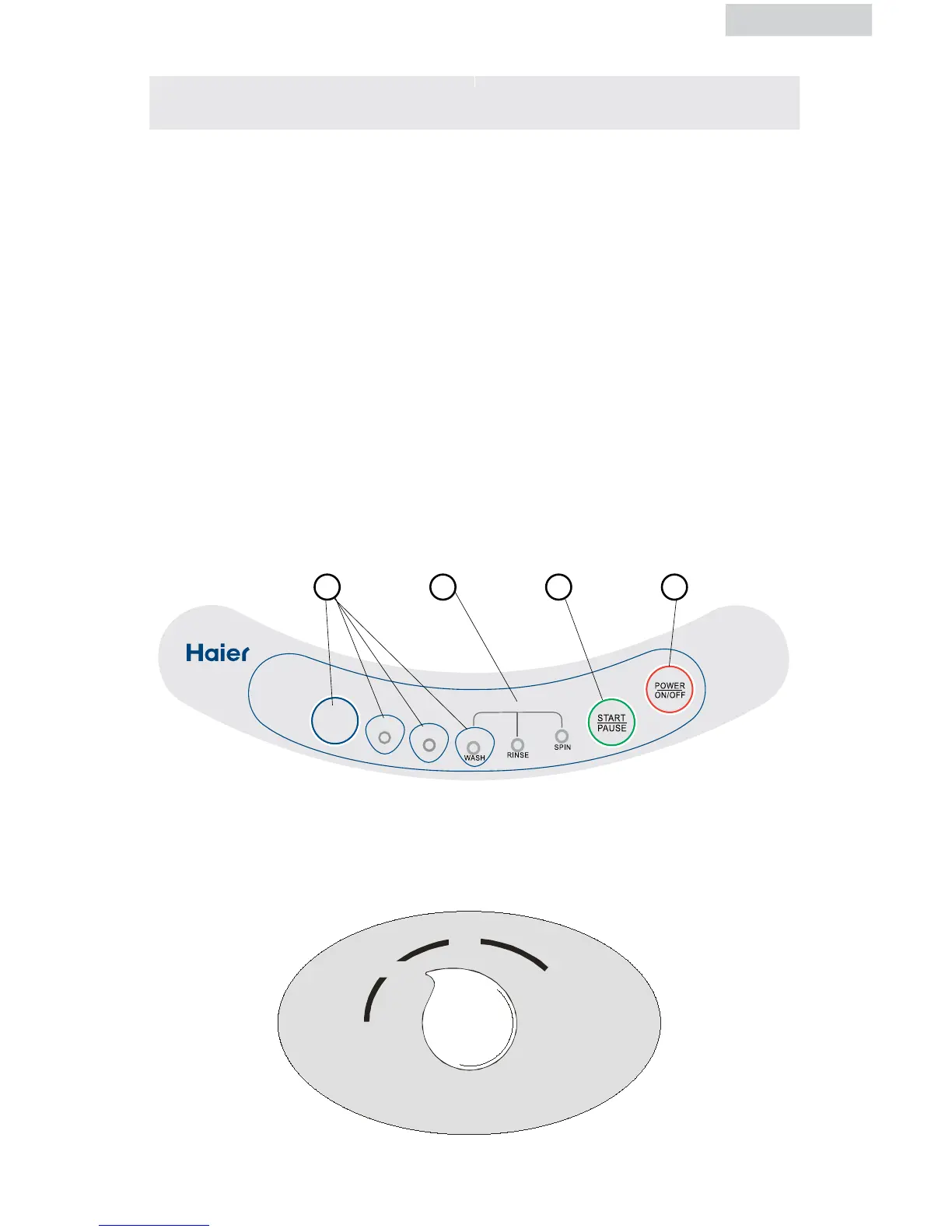
1. Cycle Button
Choose washing cycle
Normal - Normal Wash
Heavy - Huge and heavy garments
Quick Wash - Small loads that are slightly soiled
2. Status Incicator Lights
Indicates cycle chosen with stages of cycle in operation.
3. Start/Pause Button
With Power "ON" Press the "Start/Pause" button to start washing cycle, pause
operation, or resume operation.
4. Power ON/OFF Button
Press in the "Power On/Off" button to turn on the power of the washer.
1 2 3 4
Water Level Selector Knob
Select water height in drum based on laundry being washed.


 To Next Page
 Loading...