Setting the ON/OFF timer
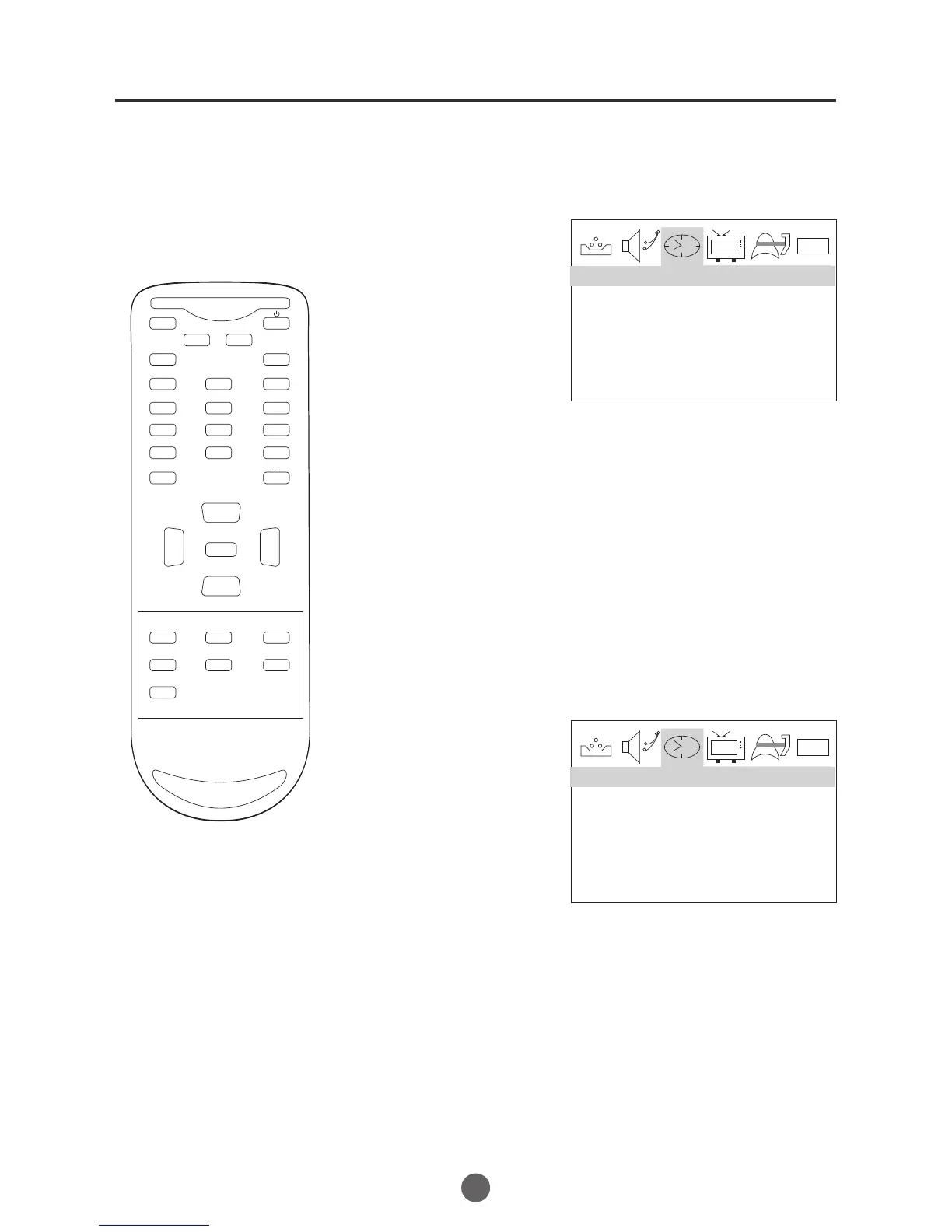
1 Press MENU. The main menu screen will appear.
SETTING THE TIMER ON
22
This feature allows you to have the
TV automatically turn on/off at a
time. If you program
predetermined
The ON/OFF TIMER, the TV will turn
on/off at the time your predetermined.
1 Press MENU. The main menu screen will appear.
SETTING THE TIMER OFF
0101
TIME --:-- AM
TIMER OFF --:-- AM
TIMER ON --:-- AM
TIME
0101
TIME --:-- AM
TIMER OFF --:-- AM
TIMER ON --:-- AM
TIME
2 Press VOL+/- button to
select TIME option,
then press CH- button
to enter the submenu.
3 Press CH+/- button to
select TIME ON, then
press CH+/- button to
select "--:--","AM";
press VOL+/- button to
set the value.
4 Press MENU until the MENU screen disappears.
2 Press VOL+/- button to
select TIME option,
then press CH- button
to enter the submenu.
3 Press CH+/- button to
select TIME OFF, then
press CH+/- button to
select "--:--","AM";
press VOL+/- button to
set the value.
4 Press MENU until the MENU screen disappears.
MUTE
Q.VIEW INFO
INPUT TV/DTV
SAP P.MODE
OK
-
MENU
CH-
CH+
VOL
-
VOL
+
CC SLEEP FAV.LIST
GUIDE
ARC
CH.LIST
EXIT
123
456
789
0


 To Next Page