Lock & Unlock Screen
6
Locking the Screen
To save your battery, prevent accidental touches or when you want to wipe
smudges off your touch screen, put the touch screen to sleep by pressing
the Power Key
Unlocking the Screen
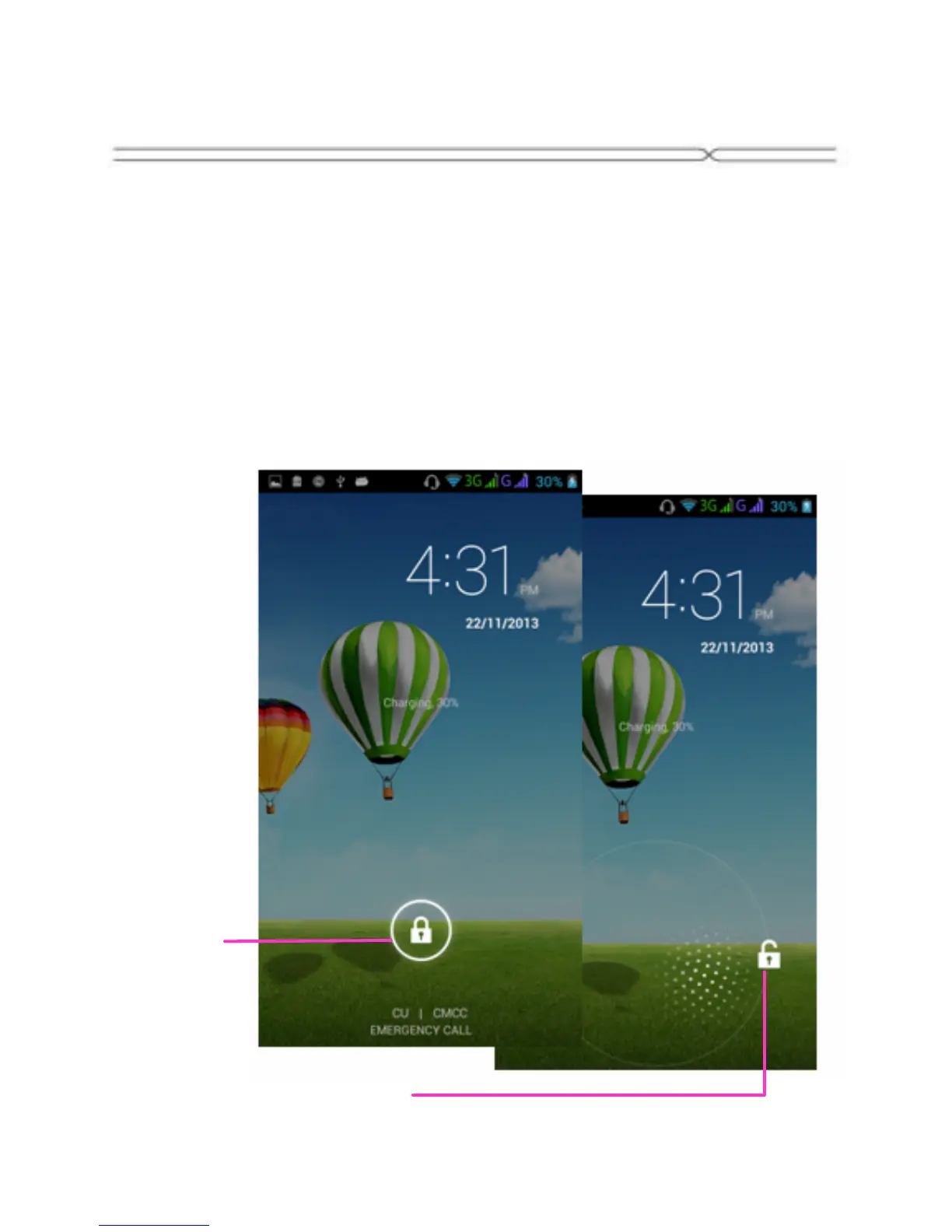
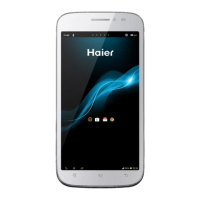
To wake up the touch screen, just press the Power Key again, and then drag
the lock icon to the right on the screen to unlock according to the clue on
the screen.
Lock icon
Unlock icon


 To Next Page