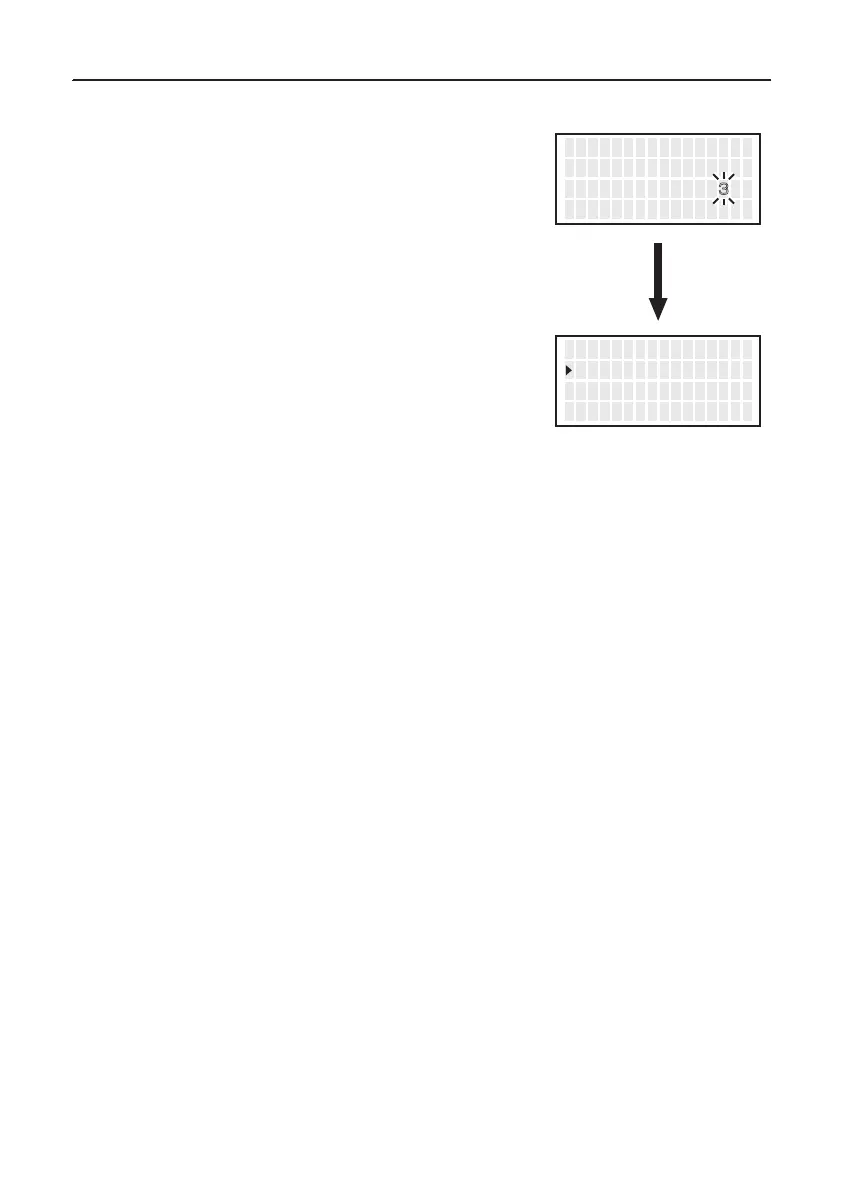
4. When setting “Shut Off” to “ON”,
the area for “Timer” flashes.
5. Press the <↑> or <↓> to set the desired
figure.
6. Pressing the <ENT> button after this change
6. PARAMETER SETTING (continued)
● Vacuum Mode
1.
Move the cursor to select “
VacuumMode
”.
After selecting, press <ENT>.
2. Normal and Timer will be switched alternately
if you press the <↑> or <↓> button.
3. Return to parameter setting display
if you press the <ENT> button after
setting.
● Vacuum Time
1.
Move the cursor to select “
Vacuum Time
”.
After selecting, press <ENT>.
2. Press the <↑> or <↓> button, you can
change to the desired value.
3. Return to parameter setting display
if you press the <ENT> button after
setting.
* When selecting “Timer”
“Vacuum Time” appears under “VacuumMode” in the parameter select screen.
Select whether you manually operate the desoldering pump or use the timer function.
Normal
:
Solder is sucked only when you are pulling the trigger.
Timer
:
Even after you release the trigger, sucking continues for the specified period of time.
* Set time in “Vacuum Time”.
<↑> <↓> <ENT>
T emp M o d e
S h u t O f f S e t
V acuumM o d e
゚ C
OFF
NOR
<↑> <↓> <ENT>
V acuum M o d e S e t
T i me r
Select
Normal
Select
Timer
(Vacuum Time)
<↑> <↓> <ENT>
S h u t O f f S e t
V acuumM o d e
V acuum T i me
OFF
T I ME
1s
<↑> <↓> <ENT>
V acuum T i me S e t
0
sec
16


 To Next Page