28
●Date&Time
Setting of the date & time.
●Contrast
To make the screen display easy to see, adjust contrast.
●InitialReset
Return the set to the initial state. Partial returns a setting other than Profile to the initial state.
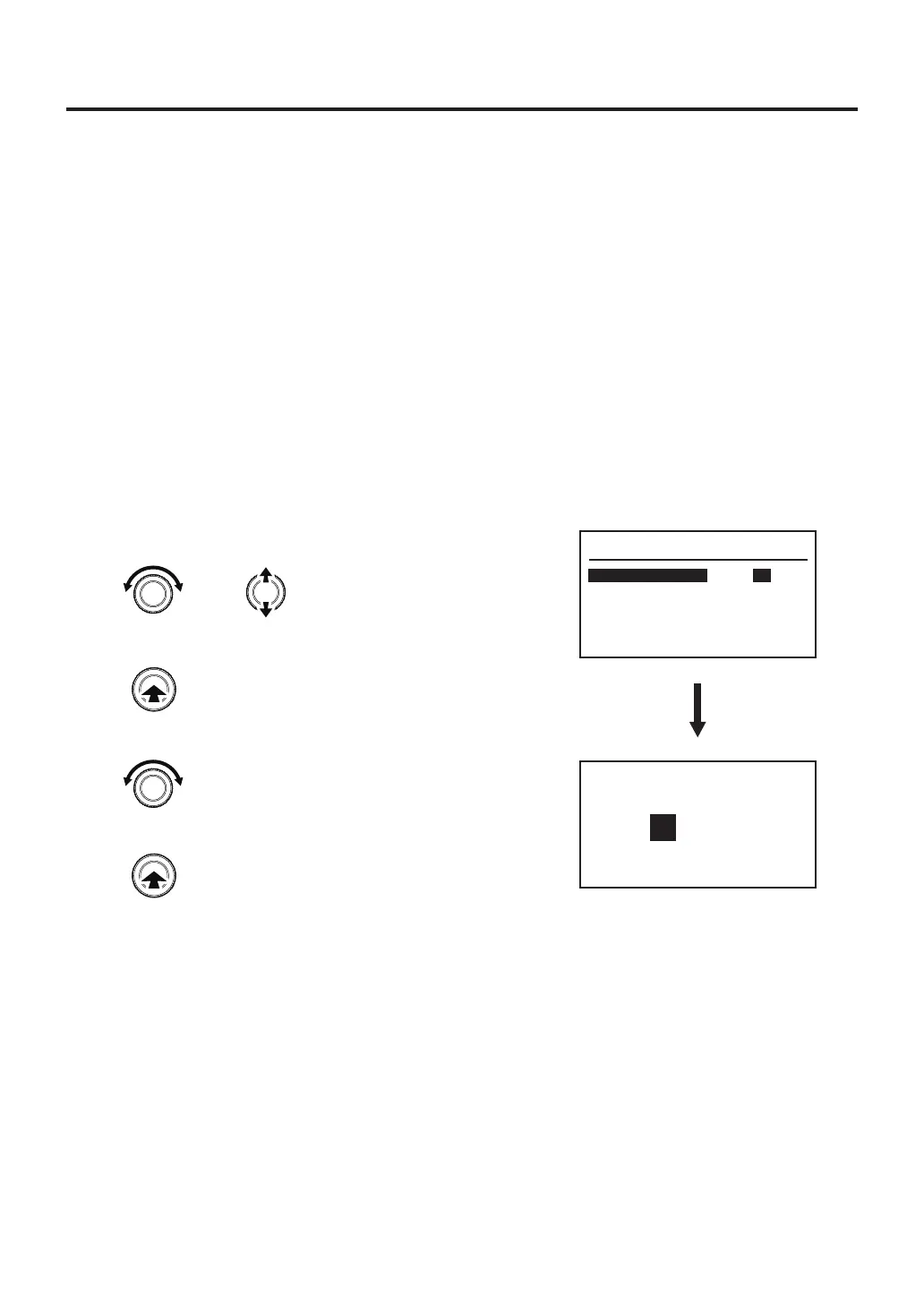
● TempMode
1. Turn the control knob, select “Temp Mode”.
2. After selecting, press the center of the control knob.
3. ℃ and ℉ will be switched alternately.
4. After selecting, press the center of the control knob.
System Parameter
Temp Mode
Sleep
Shut Off
Air Shut Off
Preset
TC B Alert
º
C
ON
30m
OFF
OFF
---
Temperature Mode
Set
℃ ℉
or
Changes the selected item
Enter
Enter
Select "℃" or "℉"



 To Next Page