32
※1 When selecting "CUSTOM":
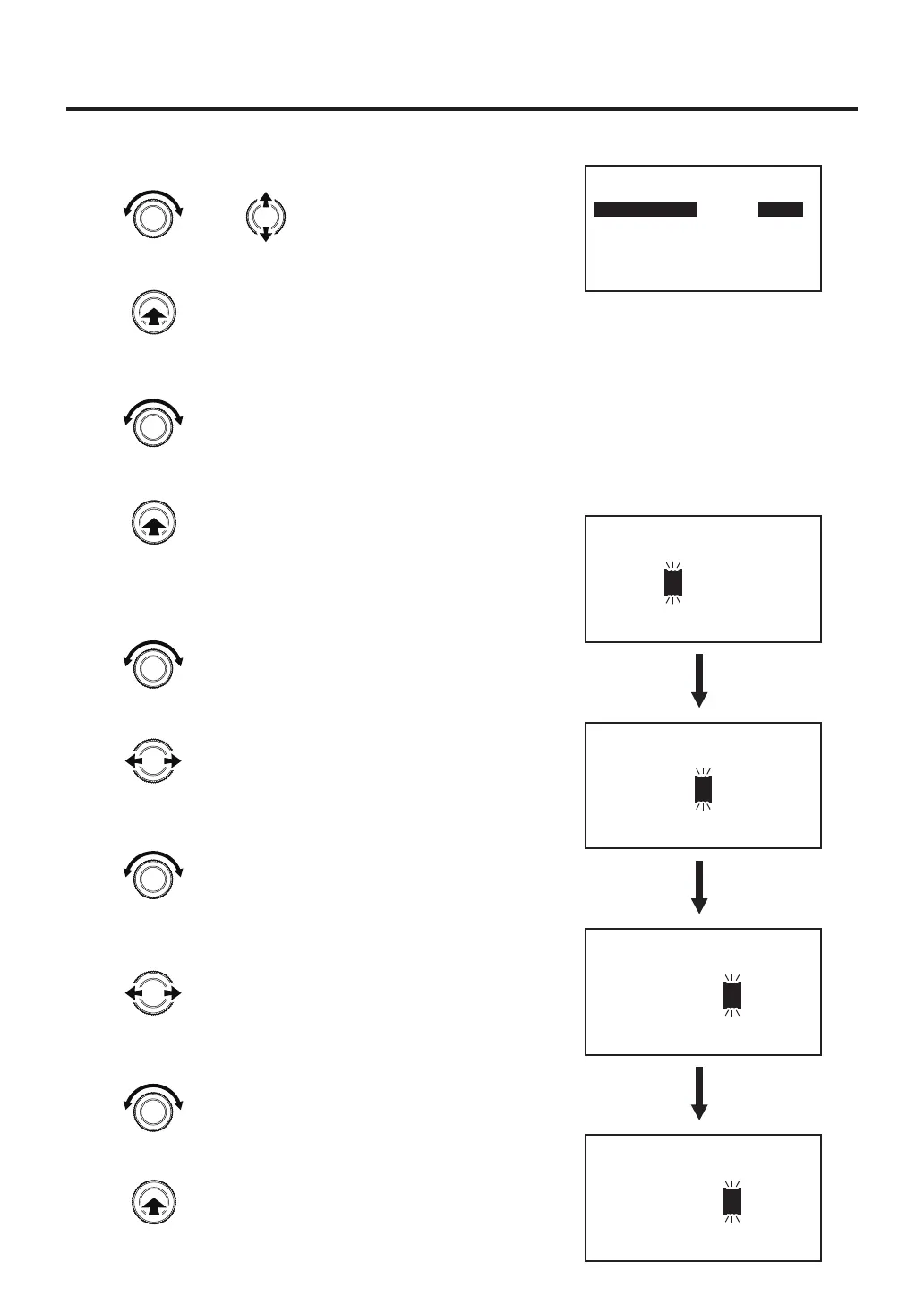
5. Select the item you want to change the settings.
6. After selecting, press the center of the control knob.
7. Lock and Free will be switched alternately.
If you select Lock, you will need to enter the password
when moving to the setting screen.
8. Select the "Exit" after setting, press the center of the control knob.
※2 When select "ON". (After setting "CUSTOM") :
9. Enter the password.
Select and input three letters for password from six letters (A - F).
10. After selecting, then move to the next character.
11. Select a character.
12. After selecting, then move to the next character.
13. Select a character.
14. After setting, press the center of the control knob.
Select "Lock" or "Free"
Select character
Select character
Select character
Password Lock
Custom Setting
TEMP SET
SEL PRESET
OFFSET SET
FLOW SET
TIMERT SET
RAMP SET
LOCK
LOCK
LOCK
LOCK
LOCK
LOCK
PROFILE SET
SEL PROFILE
MODE CHANGE
USB OPE
Exit
LOCK
LOCK
LOCK
LOCK
Set New Password
***
Set New Password
A
**
Set New Password
AB
*
Set New Password
A
B
C
Move between characters
Move between characters
or
Changes the selected item
Enter
Enter
Enter



 To Next Page