8
• To make corrections, select [BKSP / <-] and conrm.
The last input made is deleted.
• To cancel input, select [CANCEL] and conrm.
• Once your input is complete, select [OK] and conrm
to nish.
Additional information
Depending on the operating mode and stations available,
pressing [
] (4) displays additional information:
• Description
Indicates the radio station, the current programme,
contents, subjects, etc.
• Genre
The genre (music style) of the station is shown.
• Reliability/signal strength
• Bit rate
The currently received digital bit rate of the received
station is displayed.
• Channel information
• Current time
• Today’s date
5.4 Initial setup
When it is rst connected to the power supply, a list
of available languages for the menu is displayed.
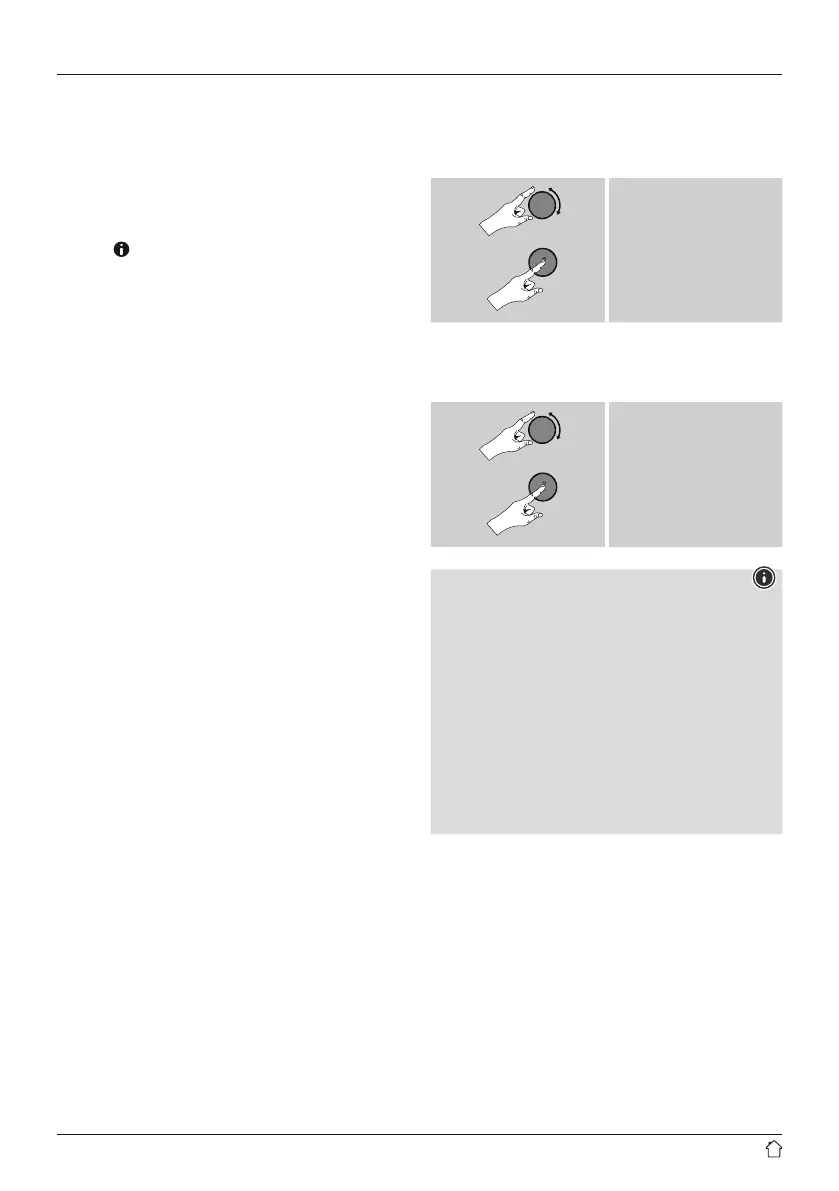
Proceed as follows to set your desired language:
Preferred language
e.g. Deutsch/German
Setup wizard
Once a language has been set, the rst-time setup can be
carried out via the setup wizard (YES)/ or skipped (NO):
YES / JA
NO / NEIN
Note – Starting up with or without
the setup wizard
• We recommend using the setup wizard (YES) for quick
and easy rst-time setup (setting of the time, date,
internet connection, etc.).
• If you wish to skip setup with the setup wizard anyway,
choose NO. All of the settings congured by the setup
wizard can be congured or changed individually
in the System settings menu. Alternatively, you may
restart the setup wizard at any time.
• Next, choose YES or NO to dene whether or not the
setup wizard should start automatically next time the
radio is started up. You are in the main menu.


 To Next Page